
Tracking student progress over time is harder than it looks. Worksheets pile up, folders get disorganized, and by the end of the year, it becomes difficult to show real growth. A well-structured approach to make worksheet portfolio documentation work is one of the most practical solutions available to educators and parents. Known in professional settings as student work portfolio documentation, this process helps you collect, organize, and reflect on key work samples throughout the year. This guide covers the tools you need, a clear step-by-step process, common mistakes to avoid, and how to use portfolios to engage students and communicate progress.
Table of Contents
- Key takeaways
- Make worksheet portfolio documentation: tools and planning
- Step-by-step process for building a worksheet portfolio
- Common mistakes in portfolio documentation
- How to use and review your portfolio effectively
- My take on what actually works
- Start building portfolios with Worksheetwonderpro
- FAQ
Key takeaways
| Point | Details |
|---|---|
| Document periodically, not all at once | Choose key worksheet samples reviewed weekly, monthly, or quarterly instead of collecting everything. |
| Add context to each artifact | Include the goal, skill, and a brief reflection with every worksheet sample you add. |
| Use templates for consistency | Standardized artifact cards with title, date, skill, and reflection keep portfolios organized and easy to review. |
| Start early in the year | Beginning documentation early reduces end-of-year stress and produces a more accurate record of growth. |
| Involve students in the process | Letting students help choose and reflect on their work increases engagement and ownership. |
Make worksheet portfolio documentation: tools and planning
Before assembling a portfolio, you need the right materials. This section covers both physical and digital options so you can choose what fits your setting.
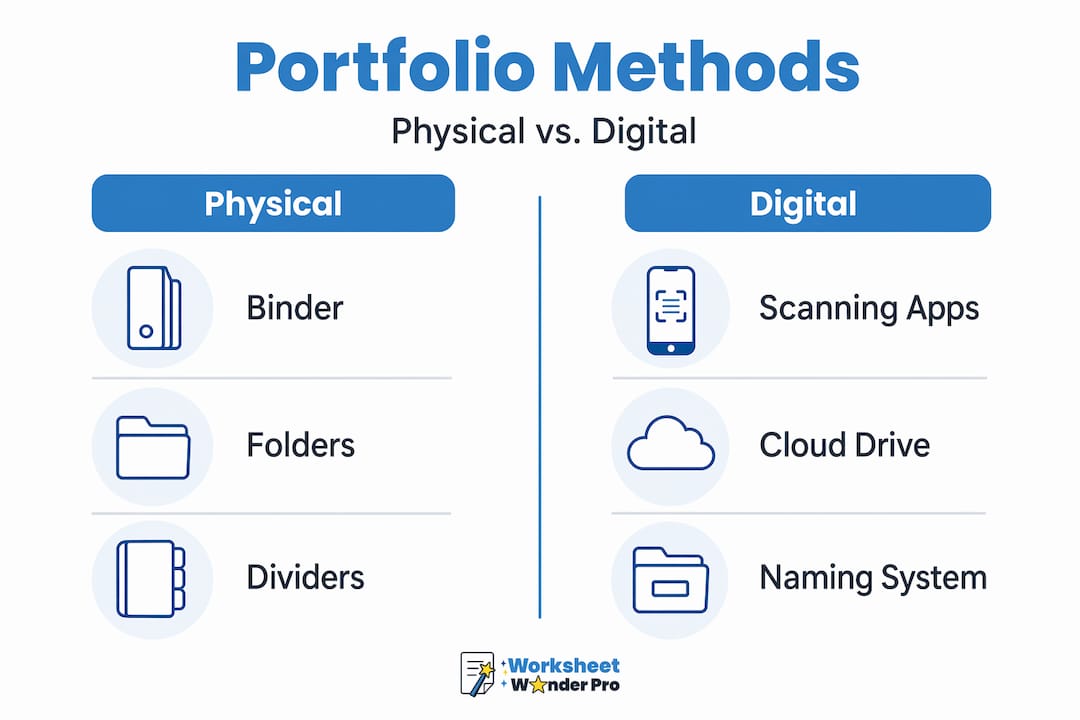
Physical tools include three-ring binders, pocket folders, sheet protectors, and labeled dividers. These work well for hands-on learners and situations where printed work is the primary output. Hard-copy worksheets, artwork, and certificates can all be assembled into a single binder organized by subject or month.
Digital tools offer more flexibility. Phone scanning apps convert paper worksheets to PDF or image files quickly. Digital folders on a computer or cloud drive can mirror the same structure as a physical binder. A digital portfolio can include videos, photos, and creative projects alongside worksheets, which makes it a richer record of student learning.
Here is a quick comparison to help you decide:
| Method | Tools needed | Best for | Storage |
|---|---|---|---|
| Physical binder | Binder, folders, dividers | Hands-on, printed work | Physical shelf or drawer |
| Digital folder | Cloud storage, scanning app | Mixed media, remote access | Cloud or local drive |
| Hybrid | Both of the above | Comprehensive documentation | Both physical and digital |
Pro Tip: Pick one documentation cycle and stick with it. A monthly review takes about 20 minutes and keeps portfolios manageable year-round.
Once you decide on a format, create a naming convention. For digital files, use a format like "StudentName_Subject_Month_Year" so files sort correctly and are easy to find. For physical portfolios, label each divider clearly. Planning this structure before you start saves time later.
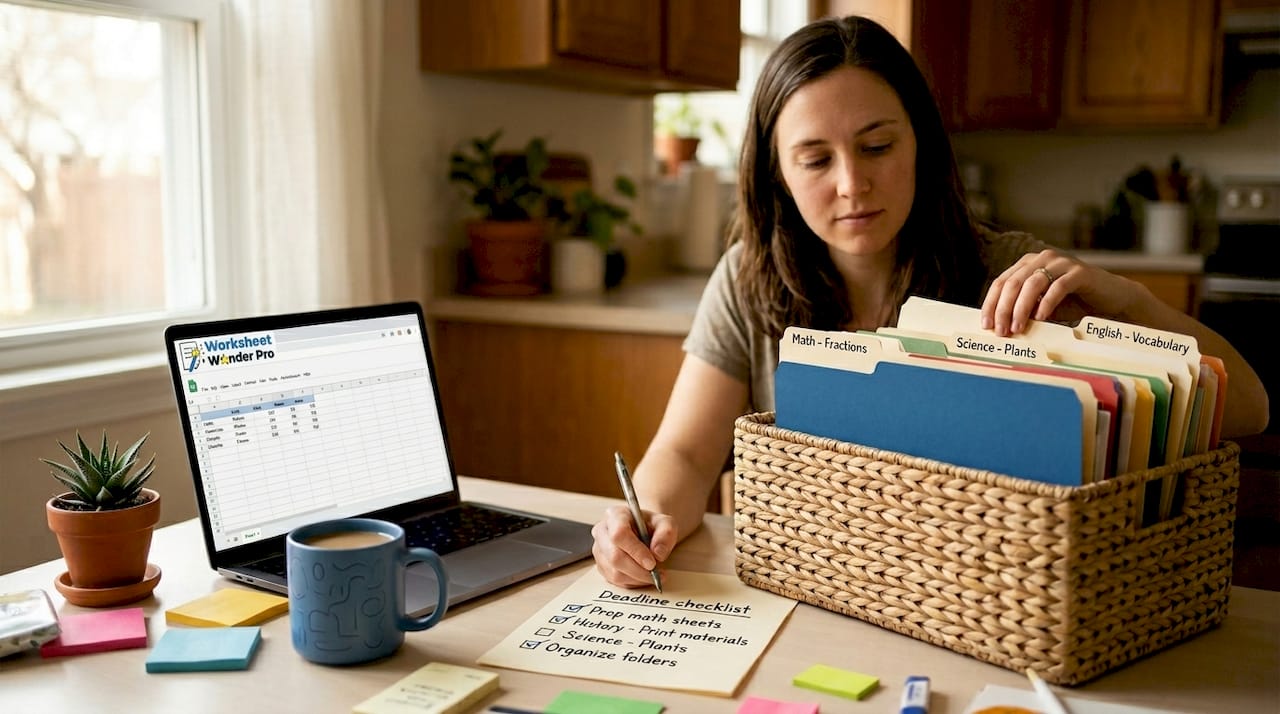
Setting a documentation cycle with a deadline checklist can also help you stay consistent across the school year, especially when managing multiple students.
Step-by-step process for building a worksheet portfolio
This is where the actual work happens. Follow these steps to create and maintain a portfolio that captures meaningful growth over time.
-
Select key worksheet samples. You do not need every worksheet. Choose key samples representing growth, reviewed on your chosen cycle. Look for work that shows a skill being learned, practiced, or mastered.
-
Add context to each artifact. Each worksheet in the portfolio needs a brief note. Each artifact should include the goal, role, tools used, and results so anyone reviewing it can quickly understand why it was included.
-
Use a standard artifact card. Repeatable templates for artifact entries with fields for title, skill, date, and reflection improve consistency. You can print these or create a digital version. Worksheetwonderpro offers customizable templates that work well for this purpose.
-
Organize by month, subject, or unit. Choose one organizing principle and apply it across the entire portfolio. Mixing organizational styles mid-year causes confusion during review.
-
Add photos, projects, and certificates. A digital portfolio can incorporate multimedia components like photos of science experiments or completed art projects. These expand what the portfolio communicates beyond written worksheets.
-
Scan and archive regularly. Use a free scanning app to convert physical work to digital files. Store them in a labeled folder right after scanning so nothing gets lost.
Pro Tip: Set a recurring 15-minute calendar reminder at the end of each month to scan, label, and file worksheets. Doing it in small batches prevents the end-of-year backlog.
If you want ideas for different worksheet formats to include, the guide on project-based worksheets for teachers is worth reviewing before you start.
Common mistakes in portfolio documentation
Even well-organized portfolios can develop problems over time. These are the most common issues and how to fix them.
-
Over-collecting. Saving every worksheet dilutes the portfolio's meaning. Consistent labeling and organization help viewers find pieces quickly. Keep only work that shows clear skill development or a notable achievement.
-
Inconsistent structure. Switching folder names, date formats, or labeling systems mid-year creates confusion. Decide on a structure at the start and document it somewhere simple, like a sticky note inside the binder cover.
-
Skipping context. A worksheet without any notes is hard to evaluate later. Providing brief descriptions helps reviewers understand the importance of each work sample. Even one sentence per artifact is enough.
-
Waiting until the end of the year. Beginning portfolios early helps avoid end-of-year overwhelm and fosters ongoing student involvement. Late documentation also tends to be less accurate because details are forgotten.
-
Ignoring layout and navigation. A portfolio that is hard to read will not be used. Review the advice on common worksheet design mistakes to make sure your structure stays clean.
Pro Tip: Do a five-minute audit at the end of each quarter. Remove any duplicates, add missing context notes, and confirm your folder structure is still consistent.
How to use and review your portfolio effectively
Building the portfolio is only half the work. Using it well is what creates value.
-
Schedule regular review sessions. Set a time each month or quarter to go through the portfolio with the student. This does not have to be long, ten to fifteen minutes works.
-
Use reflection prompts. Ask questions like "What did you find hard about this?" or "What would you do differently?" Involving children in assembling and choosing portfolio content makes the experience more meaningful and builds self-awareness.
-
Share portfolios with stakeholders. Parents, co-teachers, or evaluators benefit from seeing organized documentation. A portfolio that includes artifact context and consistent structure communicates progress clearly without lengthy explanation.
-
Update and prune regularly. Add new work at each documentation cycle. Remove work that no longer reflects the student's current level, unless it is kept specifically to show earlier progress.
-
Measure success. A rubric-based assessment framework can formalize evaluation across multiple skill dimensions. For most home and classroom settings, a simple checklist of skills works fine.
Students who participate in their own portfolio process show stronger reflection habits and greater motivation. That outcome alone justifies the time invested.
My take on what actually works
I've tracked student work in a lot of different ways over the years. Binders, digital drives, spreadsheets. The method that consistently produces the best results is the one that happens on a schedule instead of all at once.
What I've found is that most educators and parents abandon portfolios not because they dislike the idea, but because they wait too long between documentation sessions. The pile becomes overwhelming. Then the whole thing gets set aside.
The recurring routine changes that. A monthly 20-minute session beats a three-hour end-of-year effort every time. The portfolio ends up more accurate, more useful, and far less stressful to maintain.
Student involvement is the part that gets skipped most often. When a student picks even one worksheet to include each month, the portfolio becomes theirs. That shift in ownership is where the real engagement happens. It is not just a record. It becomes something they are proud of.
— Pamela
Start building portfolios with Worksheetwonderpro
Worksheetwonderpro gives teachers and homeschool parents the tools to create well-structured portfolios without starting from scratch. The platform offers customizable worksheet templates designed for classroom and home use, including formats that work directly as artifact cards for portfolio documentation. You can also explore free portfolio-ready resources to get started without any cost. For educators who need more advanced options, the professional subscription unlocks a wider range of templates and documentation tools built specifically for tracking student progress across subjects and units.
FAQ
What is worksheet portfolio documentation?
Worksheet portfolio documentation is the process of collecting, organizing, and contextualizing selected student worksheets to track skill development over time. It typically includes artifact notes with goals, dates, and reflections.
How often should a worksheet portfolio be updated?
Most educators update portfolios weekly, monthly, or quarterly. Periodic documentation rather than an end-of-year collection keeps the process manageable and the record more accurate.
What should each portfolio artifact include?
Each artifact should include a title, skill or goal, date, tools used, and a brief reflection. Standardized artifact cards help maintain consistency across all entries.
Should students be involved in building their portfolios?
Yes. When students help select and reflect on their work, they develop stronger self-assessment habits. Student involvement in portfolio creation increases ownership and motivation.
What is the difference between a physical and digital portfolio?
Physical portfolios use binders and printed worksheets. Digital portfolios use cloud storage or apps and can include photos, videos, and scanned documents. Many educators use a hybrid approach to capture the strengths of both formats.