
Tracking student progress should drive real learning outcomes, not just fill filing cabinets with paperwork nobody reads. Whether you teach a classroom of thirty or homeschool two kids at your kitchen table, finding a method that actually motivates students and gives you actionable data is the real challenge. This guide walks you through selecting the right worksheet format, gathering what you need, building the tracker step by step, and solving the problems that trip up most educators along the way.
Table of Contents
- Choosing the right worksheet format for progress tracking
- Gathering requirements and setting up tracking
- Step-by-step: Building your progress tracking worksheet
- Troubleshooting, edge cases, and maximizing motivation
- What most guides miss about worksheet tracking for student progress
- Enhance your student tracking with Worksheet Wonder Pro
- Frequently asked questions
Key Takeaways
| Point | Details |
|---|---|
| Choose the right format | Match your worksheet to student age, setting, and tracking goals for the best results. |
| Set clear requirements | Outline skills, goals, and materials before starting to ensure efficient progress tracking. |
| Build for motivation | Include visual progress bars, goal setting, and self-updates to drive student engagement. |
| Address special cases | Adapt progress tracking for IEPs, transitions, and group needs to ensure inclusivity. |
| Combine manual and digital | Use both paper and digital tools to maximize flexibility and automation in progress tracking. |
Choosing the right worksheet format for progress tracking
Before you build anything, you need to know what kind of tracker fits your situation. Not every format works for every setting, and picking the wrong one wastes time for both you and your students.
Common types of student progress tracking worksheets include Standards Mastery Trackers, Skill Checklists, Goal-Setting Sheets, Data Dashboards, and Learning Logs, updated weekly for most types. Each serves a distinct purpose. A Standards Mastery Tracker maps student performance directly to curriculum benchmarks, which is ideal for formal classrooms with state or district accountability requirements. A Skill Checklist breaks learning into discrete, observable behaviors, making it easy to see exactly where a student is stuck. Goal-Setting Sheets put the student in the driver's seat, asking them to identify targets and reflect on progress. Data Dashboards give teachers a bird's-eye view across an entire class. Learning Logs capture day-to-day observations in a running format, which works especially well for project-based learning.
Format comparison: paper vs. digital vs. hybrid
| Format | Best for | Pros | Cons |
|---|---|---|---|
| Paper | Young learners, low-tech homes | Tactile, no login required | Hard to aggregate data |
| Digital | Collaborative classrooms | Auto-calculations, real-time sharing | Requires device access |
| Hybrid | Mixed settings | Flexible, combines strengths | Needs clear workflow |
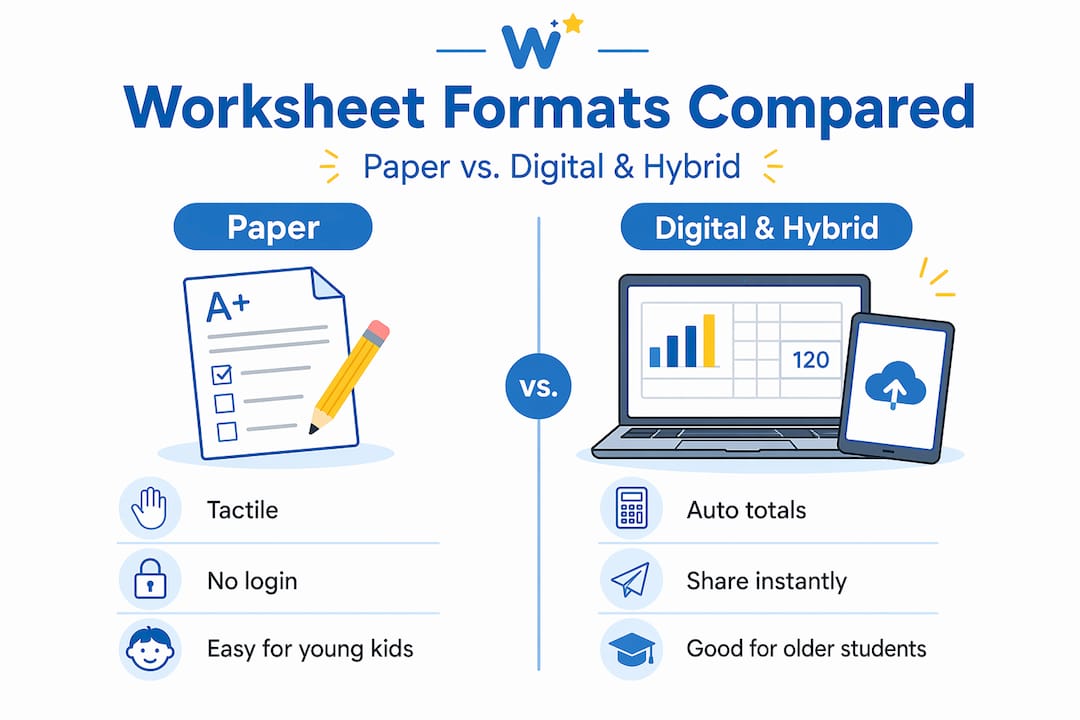
Contrasting views on format show that teacher-maintained trackers prioritize accuracy, while student-led trackers build ownership. Paper works better for young learners and homeschool environments, while digital formats support collaboration across multiple teachers or co-teachers.
When selecting a format, consider three factors: student age, your setting, and collaboration needs. A kindergartner benefits from a simple sticker chart far more than a spreadsheet. A high school student in a blended classroom might thrive with a shared Google Sheet. Homeschool parents often find a hybrid approach most practical because it allows printable daily logs alongside a simple digital summary reviewed each week.
You can also explore premade worksheet formats to skip the blank-page problem and start with a proven structure.
Gathering requirements and setting up tracking
After choosing a worksheet format, the next step is assembling your requirements and preparing the tracking process.
This stage is where most educators rush, and that rushing causes problems later. Before you open a template or create a new document, write down exactly what data you need to capture. Ask yourself these questions:
- Which skills or standards am I tracking?
- How often will data be entered: daily, weekly, or per unit?
- Who enters the data: teacher, student, or both?
- What does "mastery" look like for each skill?
- How will I use this data to adjust instruction?
The Modern Classrooms Project recommends individual progress trackers like unit roadmaps, staircases, checklists with goals, and game boards to give students ownership, combined with teacher trackers for accuracy. This dual approach prevents the common problem of students marking themselves as "done" when they have only partially mastered a concept.
Data requirements table
| Data type | Frequency | Who tracks | Example |
|---|---|---|---|
| Skill mastery | Per lesson | Teacher + student | Multiplication fluency |
| Standard alignment | Per unit | Teacher | CCSS.Math.3.OA.A.1 |
| Goal progress | Weekly | Student | Read 20 minutes daily |
| Emotional check-in | Daily | Student | Mood rating 1 to 5 |
| Task completion | Daily | Student | Homework turned in |
For homeschool families, the setup looks a little different. Homeschool progress trackers should break goals into daily and weekly tasks, include emotional check-ins, use visual formats like stickers for young kids, and involve regular reviews with the child. That last piece matters more than most parents realize. A weekly sit-down review where the child sees their own progress builds the habit of self-reflection and turns the tracker from a chore into a motivating ritual.
Pro Tip: Before building your worksheet, run a quick pilot with just one skill or subject for two weeks. This reveals gaps in your data plan before you invest time in a full build.
Once you know what you need, gather your materials. For paper formats, print blank templates or use a custom worksheet creator to generate exactly the layout you want. For digital formats, decide whether you will use a shared drive, a learning management system, or a standalone spreadsheet tool.
Step-by-step: Building your progress tracking worksheet
With requirements in hand, let's walk through the process of actually building your worksheet for progress tracking.

Step 1: Set up the layout. Start with a clean grid. Rows represent students or skills, columns represent time periods or assessment dates. Keep it simple. A cluttered layout defeats the purpose.
Step 2: Define goals and benchmarks. At the top of each column or in a separate reference section, write out what mastery looks like. Vague goals produce vague data. "Understands fractions" is not measurable. "Can identify equivalent fractions with unlike denominators" is.
Step 3: Add a visual rubric. Standards-based trackers use checklists or 3 to 5 point rubrics with progress bars and color-coding for quick visualization of mastery. A four-point scale works well: 1 = not yet introduced, 2 = developing, 3 = proficient, 4 = extending. Color-code each level so you can scan the sheet and spot patterns instantly.
Step 4: Build in automation for digital formats. Google Sheets templates enable auto-counts of completed tasks, progress bars, dropdown assignments, and real-time collaboration for multiple teachers. If you use Sheets, set up a COUNTIF formula to automatically tally how many skills a student has reached proficiency on. Add conditional formatting to turn cells green when a student hits level 3 or above. These small automations save hours of manual tallying each month.
Step 5: Add self-update features. Give students a column or section they fill in themselves. This could be a simple checkbox, a confidence rating, or a short reflection prompt. Student self-assessment, even informal, dramatically increases engagement with the tracker.
Step 6: Build in teacher verification. Add a second column next to each student self-rating for teacher confirmation. This keeps data honest without removing student ownership.
"The goal of tracking is not to produce a perfect spreadsheet. It is to produce a student who understands where they are, where they are going, and what they need to do next." This mindset shift changes how you design every element of the worksheet.
Pro Tip: Use color-coded dropdown menus in digital trackers instead of free-text entries. Dropdowns speed up data entry and make your conditional formatting formulas much more reliable.
You can access ready-to-use worksheet creation tools to build these elements without starting from scratch.
Troubleshooting, edge cases, and maximizing motivation
Once your worksheet is active, it's vital to address potential issues, special cases, and maximize student motivation.
Even a well-designed tracker runs into problems. Here are the most common mistakes educators make and how to fix them:
- Tracking too many skills at once. Start with five to eight priority standards per quarter. Adding every possible skill creates an overwhelming document that nobody updates consistently.
- Updating only at report card time. Progress tracking only works when it is frequent. A tracker updated four times a year is a grade book, not a progress tool.
- Ignoring student input. When students never see or touch their tracker, it becomes invisible to them. Invisible tools do not motivate anyone.
- Using the same format for all learners. A single template rarely fits every student's needs, especially in inclusive classrooms.
Edge cases that require special planning
For students with IEPs or 504 plans, tracking accommodations like extended time and using filters to group students by need makes your data far more actionable. Add a dedicated column for each accommodation so you can quickly verify that the support was actually provided, not just planned. During transitions, such as moving from elementary to middle school, note the routines and strategies that worked so the receiving teacher has a real head start.
For students who are significantly above or below grade level, consider building a parallel tracker that uses their instructional level rather than their grade level. This gives you honest data and gives the student achievable goals.
Motivational strategies that actually work
Public pacing trackers motivate via peer collaboration but should be framed around effort rather than ability. Use initials or emojis instead of full names to reduce social pressure. When students see peers making progress, they naturally want to keep up, but only if the environment feels safe and non-competitive.
Visual progress like bars and webs correlates with motivation and a growth mindset, according to Edutopia experts. A student who can literally see their skill web expanding over time understands their growth in a way that a letter grade never communicates.
Pro Tip: Dedicate five minutes at the start of each week for students to update their own trackers. This brief ritual builds the self-monitoring habit that transfers to every area of their academic life.
Explore advanced tracking features if you need tools that handle complex grouping, accommodation flags, or multi-teacher collaboration automatically.
What most guides miss about worksheet tracking for student progress
Now that we've covered the mechanics, let's examine a deeper, often-overlooked insight.
Most articles about progress tracking focus on the tool itself. Get the right template, fill it in consistently, review it at conferences. That advice is fine as far as it goes, but it misses the most important variable: whether the data actually changes what happens in the classroom or at the kitchen table.
We have seen teachers maintain beautifully color-coded spreadsheets that never once influenced a lesson plan. We have also seen homeschool parents use a hand-drawn chart on a piece of notebook paper that transformed how their child approached learning. The difference was not the tool. It was whether the data led to a decision.
Manual worksheets excel for visual, printable, self-monitoring tools in low-tech settings like homeschool, but digital tools add automation. Combining two to three types gives you comprehensive tracking without over-engineering the system. A paper daily log combined with a weekly digital summary is often more sustainable than a single elaborate platform that takes twenty minutes to update.
Frequent updates, daily or weekly, build habits, and student ownership via self-updates fosters perseverance. But teacher verification prevents inaccuracies that can skew your understanding of where a student actually stands. The balance between student ownership and teacher accuracy is the real art of progress tracking.
Our honest take: stop chasing the perfect system and start asking one question after every data review. "What will I do differently this week because of what this tracker showed me?" If you cannot answer that question, the tracker is not working, regardless of how sophisticated it looks. Simplify until the data is actionable, then build complexity only where it serves a clear instructional purpose. Browse premade worksheet insights for formats that are already optimized around this principle.
Enhance your student tracking with Worksheet Wonder Pro
You now have a clear roadmap for building progress tracking worksheets that actually move the needle for your students. The next step is putting that roadmap into action without spending hours designing from scratch.
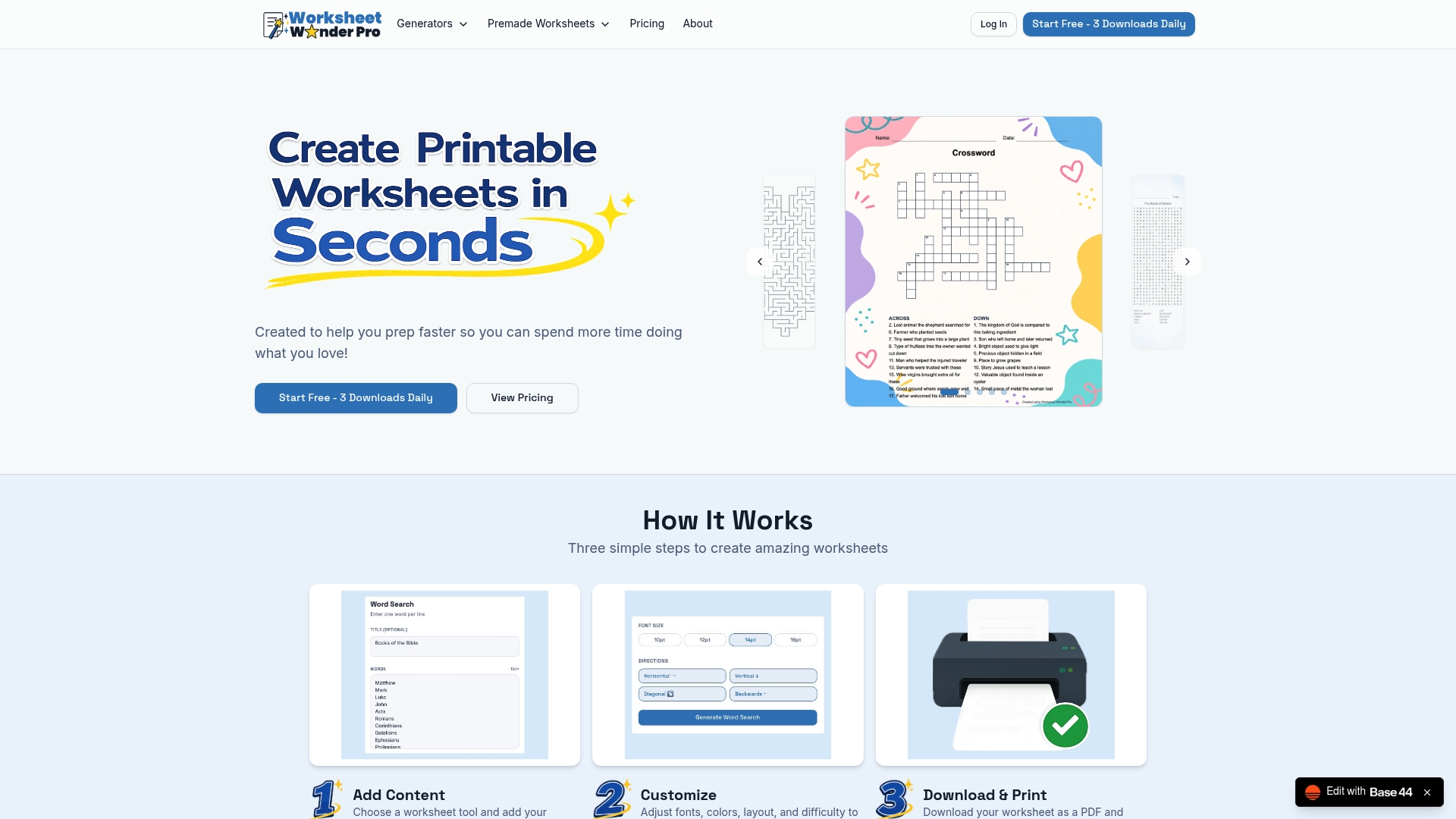
Worksheet Wonder Pro gives teachers and homeschool parents a library of premade progress trackers built around the formats covered in this guide, including Standards Mastery Trackers, Skill Checklists, and Goal-Setting Sheets. Every template is print-ready and fully editable. For educators who want automation, color-coding, and accommodation flags built in, commercial tracking worksheets offer professional-grade tools without the spreadsheet setup time. Start with a template, customize it to your students, and spend your energy on teaching rather than formatting.
Frequently asked questions
How often should worksheets for student progress be updated?
Ideally, worksheets should be updated weekly in classroom settings and daily or weekly in homeschool environments. Frequent updates build consistent habits, and most tracker types are designed around a weekly update cycle.
Which worksheet format is best for young children?
Visual formats work best for young learners. Progress trackers for young kids should use stickers, simple charts, and picture-based checklists to keep engagement high and reduce reading demands.
How can I track progress for students with accommodations (IEPs/504s)?
Add dedicated columns for each accommodation and use filters to group students by need. Tracking accommodations like extended time ensures supports are actually delivered and documented, not just listed in a plan.
What motivates students to engage with progress trackers?
Visual progress bars and webs build a growth mindset by making improvement visible. Pairing that with peer collaboration tools framed around effort rather than ability keeps motivation high without creating unhealthy competition.
Are manual or digital worksheets more effective for tracking progress?
Neither is universally better. Manual worksheets excel for printable, visual tracking in low-tech or homeschool settings, while digital tools add automation and real-time collaboration. Combining both formats typically produces the most complete and sustainable system.