
Getting customizable, print-ready worksheets for classroom or commercial use is still a chore when most tools restrict batch exports, limit formats, or make licensing unclear. Many free worksheet creation apps watermark files or put time-saving features like answer keys and bulk downloads behind paid plans that lack a true resale license. This comparison covers pricing, export options, theme range, and commercial rights across five worksheet creation platforms so you can pick one that fits your classroom, tutoring, or publishing workflow.
Table of Contents
Worksheet Wonder Pro
At a Glance
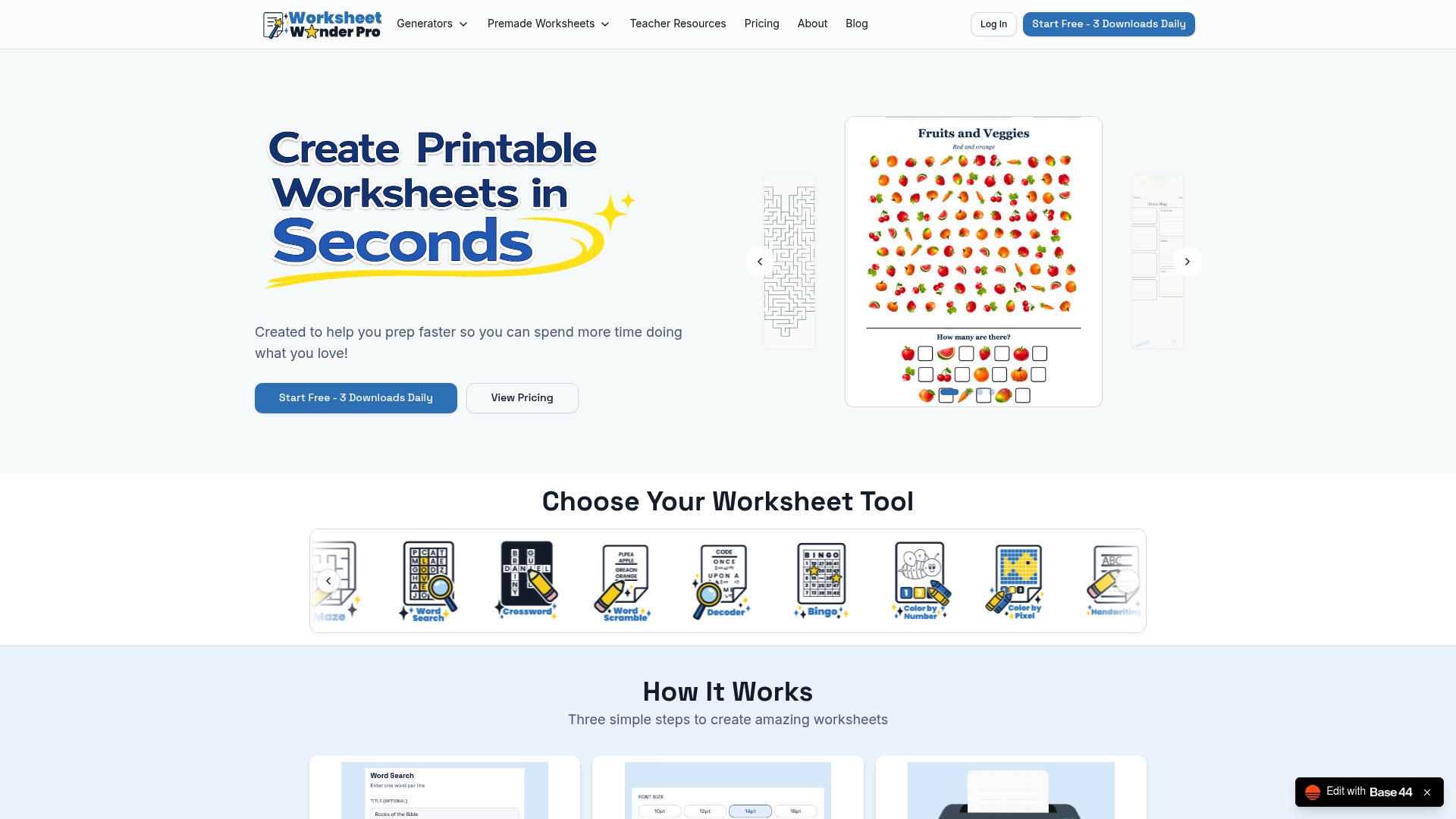
Provides 14 worksheet tools that span mazes, crosswords, word searches, handwriting practice, and premade lesson pages, with instant PDF and PNG downloads for printing. The platform also offers a Pro+ commercial license so creators can sell worksheets produced on the site.
Core Features
-
14 worksheet tools including word searches, crosswords, mazes, bingo, coloring pages, decoding puzzles, memory match, story maps, seek-and-find, handwriting practice, and premade worksheets.
-
Customization options for fonts, colors, borders, backgrounds, and multiple shapes so activities match lesson goals or a homeschool theme.
-
Instant PDF and PNG downloads for immediate printing and a Pro+ plan that unlocks commercial licensing for resale or paid tutoring materials.
Key Differentiator
Bundles a wide set of worksheet types with strong on-page customization and instant file exports so you can move from idea to printable in minutes. That mix of breadth and speed is the feature teachers and content creators will notice first.
Pros
-
Quick generation saves prep time. You can assemble a themed worksheet set in under ten minutes when you reuse a template and swap questions.
-
Broad toolset covers core classroom needs. From handwriting practice to seek-and-find activities you get multiple resource types without switching apps.
-
Deep visual control helps match worksheets to grade level and classroom style. Adjust fonts and borders so materials look polished and consistent.
-
Instant PDF and PNG downloads make printing simple for classroom copies or digital distribution to families.
-
Pro+ plan includes a commercial license, which removes legal guesswork for creators who want to sell on Etsy or Teachers Pay Teachers.
Cons
- The free plan limits advanced options and some tools, so you'll likely need a paid plan for full customization and commercial rights.
Who It's For
K to 12 teachers, homeschool parents, tutors, and educational content creators who need fast, printable activities without design experience. It fits lesson planning, centers, and small tutoring services that need repeatable worksheet production.
Unique Value Proposition
Instant file exports plus an explicit commercial license on the Pro+ plan mean you can create, download, and sell worksheets the same day. That workflow reduces legal friction and speeds up the monetization path for small creators and tutors.
Real World Use Case
A homeschool parent builds a week of mixed activities by combining math drills, a themed crossword, and coloring pages. They download PDFs for Monday to Friday, slot them into printed packets, and reclaim hours of prep time each week.
Pricing
Free tier available with limited features. Pro costs $10 per month or $100 per year. Pro+ costs $25 per month or $250 per year and includes full commercial rights for selling worksheets.
Website: https://worksheetwonderpro.com
Worksheet Crafter
At a Glance
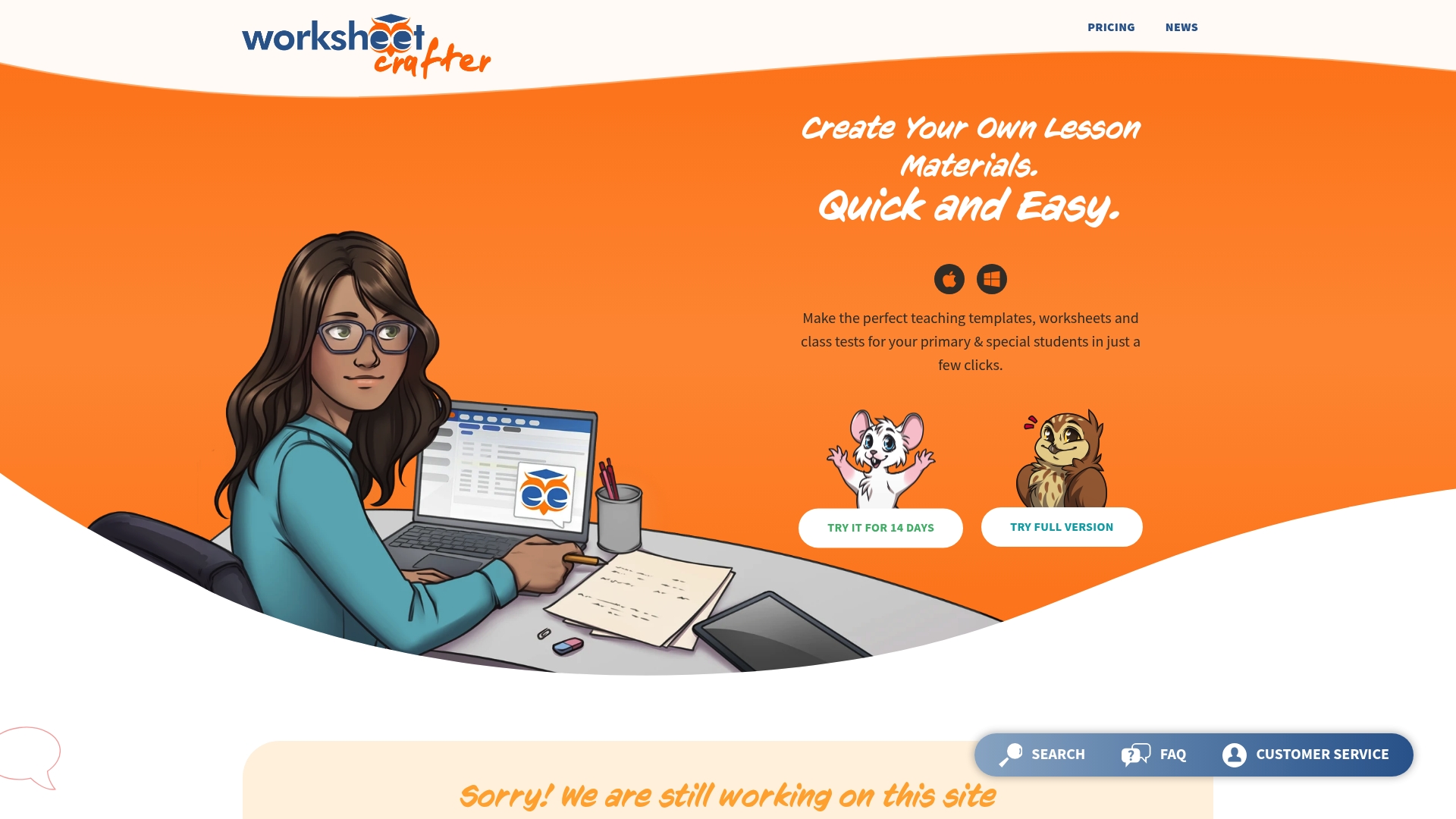
Includes an online marketplace for add-on content and subscription options that can be licensed per teacher or per school, which supports scaling from a single classroom to district use. Users report the editor speeds workflow but occasional slowdowns and save errors interrupt sessions.
Core Features
- Smart exercise generator that adapts templates for spelling, math, and reading practice so you can produce dozens of variants in minutes.
- A large library of royalty-free illustrations and fonts to make materials visually engaging for young learners.
- Built-in export for printing professional workbooks and PDFs, plus tools to format pages for classroom handouts.
- Template sets organized by subject and grade, which reduce prep time for recurring lesson types.
- An online marketplace for additional worksheet packs and community-shared resources.
Key Differentiator
The combination of a low-friction editor, deep subject templates, and an integrated marketplace shortens the path from idea to printed handout. It is tightly focused on primary and special education use, serving classroom teachers rather than broad curriculum teams.
Pros
- Highly intuitive worksheet creation process speeds up daily prep. New users report making usable materials in under an hour.
- Saves time with pre-made templates and the exercise generator, which reduces repetitive layout work across lessons.
- Effective for subject-specific materials, especially spelling and math, where ready-made item types match common classroom needs.
- Responsive support and helpful online resources make troubleshooting faster when feature updates change the editor behavior.
- The vendor advertises affordable subscription plans for individuals and schools, which keeps costs predictable for classroom budgets.
Cons
- The site can be slow or glitchy at times, which breaks concentration during planning blocks.
- Some users report work not saving properly, creating a real risk of lost lesson drafts unless you export frequently.
- Occasional error messages surface during heavy editing sessions, requiring a restart of the editor to proceed.
When It May Not Fit
If your school depends on automatic cloud saves and uninterrupted uptime, Worksheet Crafter's reported save issues and performance hiccups make it a risky single source for high-stakes assessments. Also avoid it if you need deep third-party LMS or district SIS integrations out of the box.
Who It's For
Primary school teachers and special education instructors who need a fast way to craft tailored worksheets, printable practice, and differentiated packets. It fits classrooms where a teacher curates materials personally rather than relying on district-managed content libraries.
Real World Use Case
A language teacher uses Worksheet Crafter to produce individualized spelling practice sheets for a small reading group. The generator creates several leveled versions in one session, freeing time for targeted instruction and follow-up during the same planning period.
Pricing
The vendor advertises a subscription model with plans aimed at individual educators and schoolwide licenses. Exact tiers and discounts for multiple seats are shown on the vendor site rather than listed here.
Website: https://worksheetcrafter.com
EduArc

At a Glance
EduArc can generate a full set of curriculum aligned slides, worksheets, notes, quizzes, and interactive activities from a single lesson prompt. That ability lets a teacher draft an entire unit structure in under an hour and then edit every piece before class.
The platform combines structured planning with editable outputs and collaborative course management aimed at classroom and department workflows.
Core Features
- Smart Outlines that produce structured, curriculum aligned lesson plans you can tweak before expanding them into materials.
- Full material generation for slides, worksheets, notes, quizzes, and Smart Docs so content stays editable at every step.
- Purpose built editors for each material type plus an AI Chat assistant that offers context aware suggestions while you write.
- Curriculum organization tools for grouping lessons, tracking coverage, and sharing across classes or departments.
Key Differentiator
EduArc focuses on producing purpose built, fully editable materials from the lesson outline stage forward. The workflow keeps you in an authoring loop rather than dumping static files, which matters when you want to adapt content for different grade levels or IEPs quickly.
Pros
- Saves prep time. Teachers report much faster unit creation when they start from a generated outline and expand it into slides and worksheets.
- Editable outputs. Every generated file opens in a format you can revise so you avoid retyping or rebuilding content from scratch.
- Works across subjects. The same workflow handles humanities, math, and science with subject specific prompts and templates.
- Collaboration friendly. Department heads can centralize curriculum, share lesson packs, and see which standards each lesson covers.
- Variety of formats. Having slides, quizzes, and interactive activities produced together reduces juggling multiple authoring tools.
Cons
- Some users find premium features overhyped or unnecessary for basic classroom use; the free tier may be enough for many teachers.
- AI generated content can contain factual or phrasing errors, so materials require teacher review before assigning to students.
- Premium plans add cost. The Teacher Pro tier and school licensing may feel expensive for individual educators on tight budgets.
When It May Not Fit
If you need fully offline authoring, EduArc is a poor match because its AI features require an internet connection. If your school expects flawless, ready to publish content without review, the variability in generated quality means extra editing time. Solo teachers on a strict budget may prefer free or local templates.
Who It's For
Teachers and curriculum coordinators who want an AI assisted authoring workflow that stays editable. It fits K 12 and higher education instructors who value rapid draft generation, collaborative course organization, and the ability to customize every output before use.
Real World Use Case
A high school science teacher uses EduArc to produce a unit: outline, five slide decks, two quizzes, and differentiated worksheets. The teacher edits questions for accuracy, aligns activities to standards, and exports materials to the LMS in a single afternoon instead of several evenings.
Pricing
Free tier available for trial and light use. Teacher Pro is $14.99 per month or $99 per year. School pricing is custom for five or more teachers and includes collaborative and management features.
Website: https://eduarc.ai
The Maze Generator
At a Glance
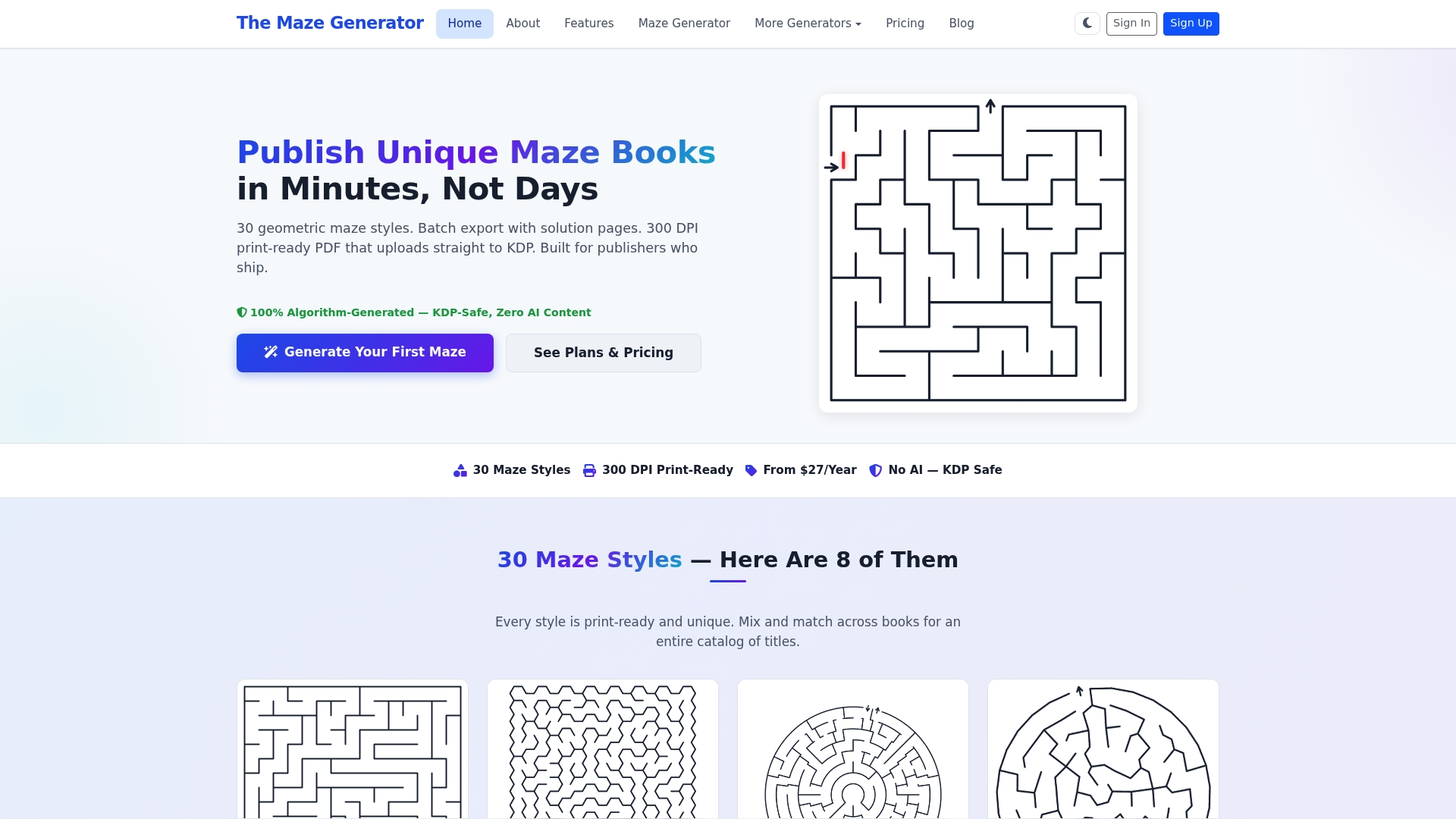
The Maze Generator's marketing materials highlight 30 geometric maze styles and a vendor claim that C/C++ algorithms produce puzzles in milliseconds, a combination aimed at high volume publishing workflows. The tool targets publishers, educators, and small creators who need fast, print ready outputs.
Core Features
- 30 geometric maze styles covering orthogonal, hexagonal, rhombic, and silhouette shapes for varied book catalogs.
- Batch export of puzzles so you can generate entire titles in one run rather than one page at a time.
- 300 DPI print ready PDF output plus PNG and SVG exports for flexible production workflows.
- Custom shape transformation and deterministic graph algorithms including recursive backtracker and Prim's.
Key Differentiator
What sets the tool apart is that combination of many geometric styles and CPU level algorithms. The vendor emphasizes that the engine is built in C/C++ and optimized for bulk generation, a capability that supports high throughput publishing and rapid iteration across dozens of puzzle variations.
Pros
-
Versatile styles: The breadth of available geometries helps you build distinct titles instead of repeating the same maze look across multiple books.
-
High quality output: 300 DPI PDFs and SVG exports mean files are production ready for print platforms and local printers.
-
Fast generation: The vendor reports subsecond generation for single puzzles which makes batch runs practical for catalog production.
-
Custom shapes: Ability to carve mazes into silhouettes expands product ideas for themed activity sheets and holiday editions.
-
Commercial licensing available: Paid plans include rights needed for selling on KDP and other marketplaces.
Cons
-
Limited independent reviews exist so objective third-party validation is sparse, which raises due diligence needs for buyers.
-
Perceived pricing is higher than some lightweight competitors; small hobbyists may find the entry cost steep compared with free generators.
-
Multiple third-party reviewers mention download hiccups and slow customer support responses, which can delay publishing schedules.
When It May Not Fit
If you want AI generated puzzles or unlimited custom algorithm tweaks the product will feel restrictive because it relies on fixed graph algorithms and preset styles. Also teams that need instant hands on support during large batch exports should factor the reported support delays into their timeline.
Notable Integrations
- Amazon KDP integration enables exports formatted for direct upload to KDP, helping you move from generation to listing without manual reformatting.
Who It's For
Publishers, classroom teachers, and Etsy sellers who produce printable activity books on a regular schedule will get the most value. If you sell printable puzzles commercially and need quick turnarounds this is built for that workflow.
Real World Use Case
A small publisher uses the batch export to produce ten themed maze books in a weekend. They pick different maze geometries for each title, export 300 DPI PDFs, and upload to KDP for staggered release to build passive sales streams.
Pricing
Pricing starts from $27 per year according to the vendor. Paid plans include commercial licensing for resale and higher volume exports, so compare plan limits before committing.
Website: https://themazegenerator.com
MazePrint
At a Glance
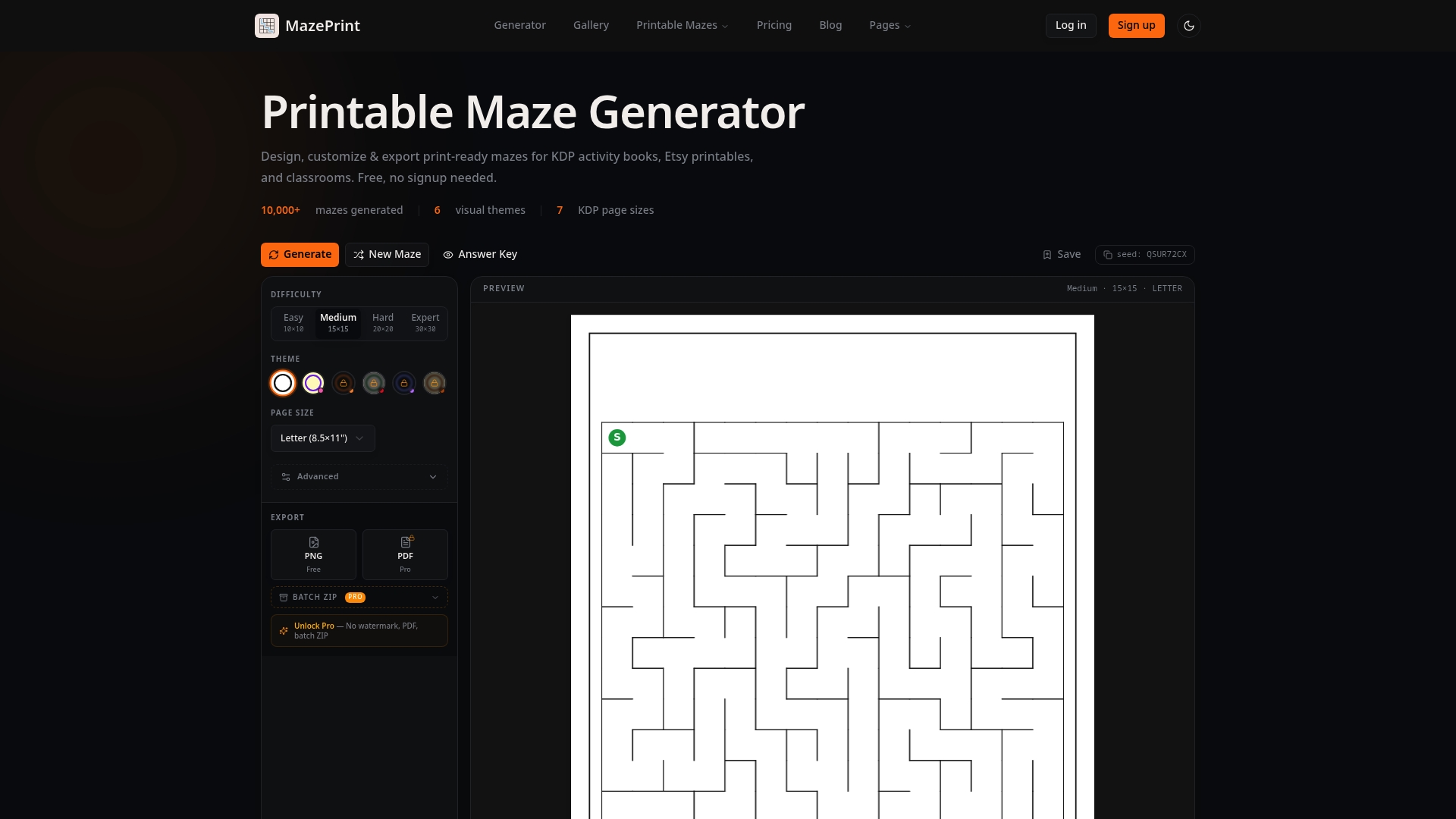
Pro subscribers get batch export of up to 50 mazes and a commercial license, which directly supports selling printed activity books and Etsy listings. The free tier works for quick single-page tests but includes watermarked PNGs and restricted exports.
Core Features
MazePrint delivers customizable maze difficulty from Easy to Expert and themed designs for holidays and kids. It supports multiple page sizes including Letter, A4, and KDP formats with built-in bleed and margin settings for print-ready layouts.
No design experience required.
The Pro upgrade adds PDF exports with answer keys, batch ZIP downloads, and reproducible seeds so you can generate consistent series with predictable variation.
Key Differentiator
MazePrint’s real edge is the combination of built-in print formats plus batch export designed for small publishers and teachers. Those two capabilities reduce manual layout work when you prepare dozens of pages for KDP or classroom packet printing.
Pros
- Fast setup: you can create printable mazes in minutes without any graphic design skills, which matters when lesson planning or prepping a product listing.
- Themed assets let you match season or lesson topics, from Halloween to Space to Pirate, so worksheets feel intentionally tailored to learners.
- Batch export plus reproducible seeds help when producing an activity book series, saving repetitive manual configuration across pages.
- Commercial license included with Pro removes licensing headaches for selling on Amazon or Etsy; that single provision keeps product and classroom use legally tidy.
Cons
- Free plan PNGs are watermarked, so usable printables require an upgrade if you need clean files for sale or classroom handouts.
- Advanced export features and the commercial license are behind paywalls, making the free tier mainly suitable for evaluation and occasional home use.
- Limited third-party review content means real-world reliability reports are sparse; you may have to test the Pro workflow yourself before a large print run.
When It May Not Fit
If you need unlimited batch exports larger than the stated limit or a complex print workflow with API access, MazePrint may feel limited. Teams that want integrated user reviews and community feedback before buying will find public evaluations scarce. The free plan is not suitable for commercial printing because of watermarks.
Who It's For
Teachers, homeschool parents, KDP self-publishers, and Etsy creators who need quick, print-ready mazes. It fits people who value theme variety, simple page sizing for print, and an easy path from creation to a printable PDF.
Real World Use Case
A small publisher assembles a 60-page children’s activity book by using MazePrint’s themes and reproducible seeds to keep difficulty balanced across pages. They use the Pro batch export and the included commercial license to produce KDP-ready files and upload to Amazon and Etsy.
Pricing
Free plan available with watermarked PNG exports. Pro is $9.9/month and unlocks PDF exports without watermarks, batch ZIP downloads up to 50 mazes, and commercial licensing. A Lifetime option is offered at a one-time $149 fee for long-term use.
Website: https://mazeprint.com
<scratchpad> **Competitor eligibility:** - Excluded products (discontinued / inaccessible / under construction): none - Usable competitors remaining: Worksheet Crafter, EduArc, The Maze Generator, MazePrintIntro pre-write:
- Does worksheetwonderpro.com clearly outpace every usable competitor on a single dimension? NO
- If NO: best tradeoff dimension for the primary reader — Speed and breadth of worksheet generation + Requires paid plans for full access
- First sentence draft: "Choosing the most fitting worksheet creation tool involves balancing your priorities with each option's distinctive strengths."
Competitor win pre-write:
- Which competitor wins which dimension: EduArc wins collaborative curriculum design because it centralizes lesson planning and sharing / MazePrint wins maze-specific activity customization because of its difficulty settings and themed designs
- Does this dimension matter to the primary reader? YES
Best Fit uniqueness check:
- List each bullet scenario in one clause: Users needing a versatile tool covering various worksheet types / Users focusing exclusively on generating thematic maze worksheets or puzzle books / Educators valuing collaborative lesson planning with automated material generation / Educators seeking specific subject-based templates and exercise generators
- Can any two be swapped without changing meaning? NO
Our Pick pre-write:
- The ONE capability unique to worksheetwonderpro.com in this set: Instant and varied worksheet generation with visual customization and export flexibility
- Evidence from the reviews: "Bundles a wide set of worksheet types with strong on-page customization and instant file exports"
- Closing sentence draft: "For educators needing consistent variety and rapid creation, Worksheet Wonder Pro offers a flexible approach that distinguishes it among its peers."
- Substitution test: "For educators needing consistent variety and rapid creation, EduArc offers a flexible approach that distinguishes it among its peers."
- Does the substituted version still work as a recommendation? YES
- If YES: rewritten closing sentence: "Educators needing consistent variety and rapid creation will find Worksheet Wonder Pro an accessible and broad option for their worksheet generation needs." </scratchpad>
{"text":"## Comparative Insights on Worksheet Creation Tools
Choosing the most fitting worksheet creation tool involves balancing your priorities with each option's distinctive strengths. Each tool within this comparison serves particular needs and user scenarios, highlighting the importance of aligning your requirements to the offerings.
Speed and Scope of Worksheet Creation
Worksheet Wonder Pro excels in providing a wide array of worksheet types, featuring 14 distinct tools including crosswords, mazes, and handwriting practice. This diversity ensures teachers and creators can craft tailored resources swiftly, leveraging its customization features for fonts and layout. Worksheet Crafter, while similarly versatile, focuses on integrating ready-made subject-specific templates like spelling and math activities, which aids in specialized educational contexts. On the other hand, EduArc’s ability to generate complete curriculum-aligned materials, including lesson plans, adds flexibility for advanced planning but may require additional review for accuracy.
Specific Application Strengths
The Maze Generator and MazePrint are optimized for puzzle-centric workflows. The Maze Generator supports high-volume creation through batch export and diverse geometries, catering to publishers needing extensive formats. MazePrint emphasizes ease of themed maze customization and batch export compatibility with KDP self-publishing standards. For broad generalists, Worksheet Wonder Pro's versatile production across worksheet types reduces dependence on additional tools, though its focus on generality may limit depth for maze-exclusive needs.
Best Fit by Use Case
- Educators needing consistent variety and fast preparation will find Worksheet Wonder Pro suitable for diverse classroom activities.
- Puzzle publishers or educators focused on maze activities will benefit from The Maze Generator for its algorithmic customization and batch handling.
- Collaborative-oriented teachers seeking integrated curriculum planning will prefer EduArc for its sharing and editable draft capabilities.
- Those requiring advanced subject-specific templates and a simple exercise generator will find Worksheet Crafter effective for their lesson design.
Our Pick
Educators needing consistent variety and rapid creation will find Worksheet Wonder Pro an accessible and broad option for their worksheet generation needs. However, for scenarios centered around niche applications like maze-centric outputs or collaborative planning, the other tools offer distinct advantages."
Worksheet Creation Software Comparison
Evaluate and compare leading worksheet creation platforms to identify the best-fit solution tailored to your instructional or commercial needs.
| Product | Core Feature | Notable Limitation | Best For | Pricing |
|---|---|---|---|---|
| WorksheetWonderPro | 14 tools including quizzes, mazes, and coloring. | Advanced tools require a Pro plan. | Teachers, tutors, and creators. | Free; Pro $10/mo; Pro+ $25/mo. |
| Worksheet Crafter | Smart editor with large template library. | Performance issues during heavy use. | Classroom teachers. | Not disclosed. |
| EduArc | AI-assisted curriculum and material generation. | Reliant on internet for AI features. | Curriculum coordinators. | Free; Pro starts at $14.99/mo. |
| The Maze Generator | 30 styles plus 300 DPI batch exports. | Limited third-party reviews raise concerns. | Publishers and educators. | From $27/year. |
| MazePrint | Themed designs with batch exports and licenses. | Watermarked exports in free plan. | KDP self-publishers. | Free; Pro $9.9/mo; Lifetime $149. |
Discover a Fast and Creative Alternative to mazegenerator.me
If you find maze generators limiting or need more variety beyond fixed puzzle styles, Worksheetwonderpro offers a powerful solution for teachers, homeschool families, and ministry leaders who want more than just mazes. With 14 diverse worksheet tools that include mazes, crosswords, word searches, and handwriting practice, you can design engaging learning activities in minutes without any design skills. The instant PDF and PNG downloads save you time while the Pro+ plan unlocks commercial rights so you can confidently sell your creations.
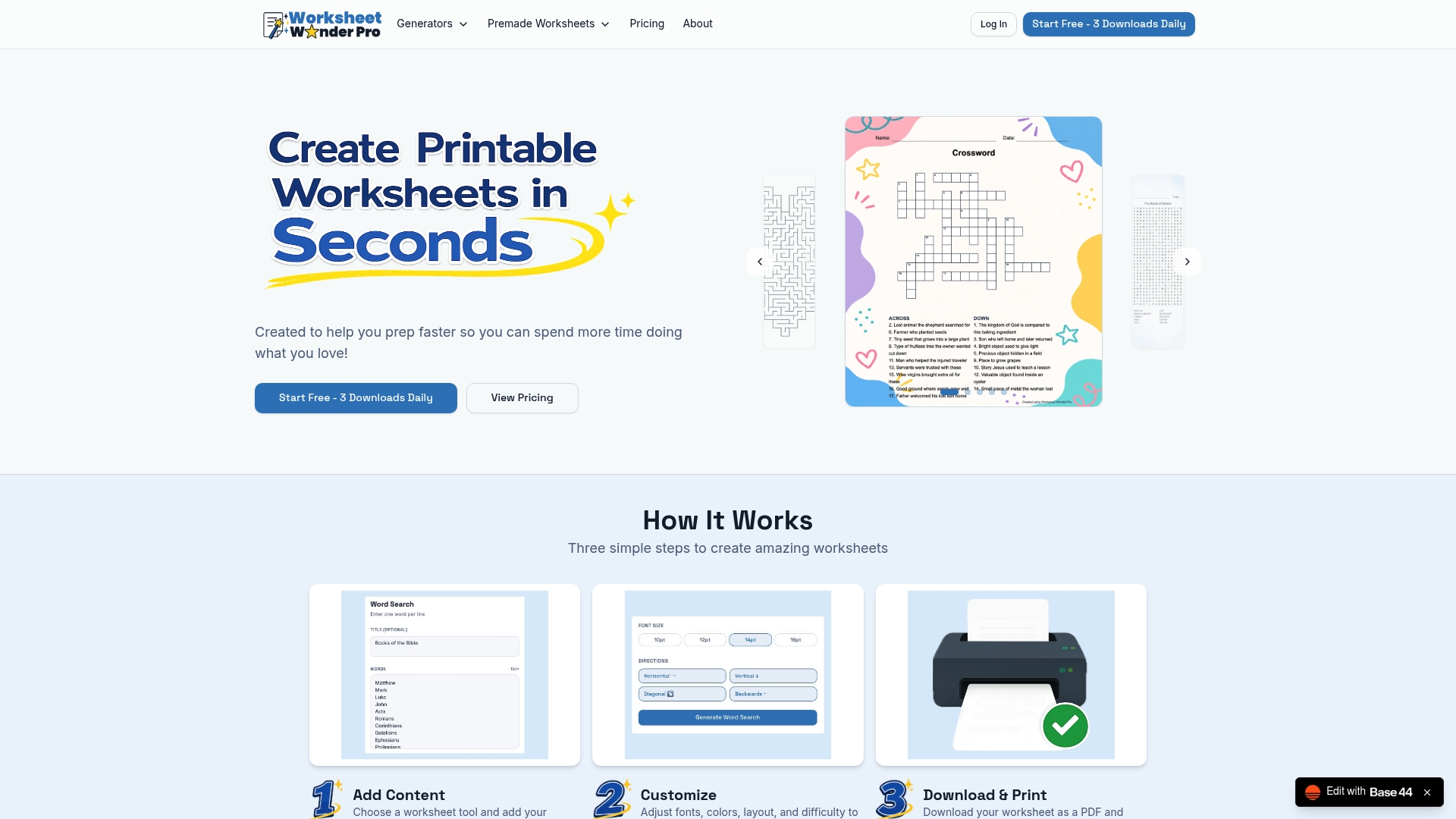
Experience faster worksheet creation and more customization options than typical maze-only tools. Visit Worksheetwonderpro to start creating printable, themed worksheet sets that fit your teaching goals and homeschool style today.
Frequently Asked Questions
What unique feature does Worksheetwonderpro provide for creating worksheets rapidly?
Worksheetwonderpro offers quick generation of themed worksheets that can be assembled in under ten minutes by reusing templates and swapping questions. Its ability to produce instant PDF and PNG downloads simplifies the printing process for classroom copies or digital distribution.
How does the customization capability of Worksheetwonderpro compare to Worksheet Crafter?
Worksheet Crafter excels with a smart exercise generator that adapts templates for spelling, math, and reading practice, allowing for dozens of activity variants quickly. Worksheetwonderpro, on the other hand, provides deep visual control for customizing fonts, colors, and borders, making its materials easy to match classroom needs and styles.
Which platform allows for commercial licensing of worksheets created?
Worksheetwonderpro includes a Pro+ plan with a commercial license, enabling creators to sell worksheets produced on the site without legal concerns. This beneficial feature streamlines the monetization path for educators and content creators alike.
Can I use Worksheetwonderpro for producing educational resources without design experience?
Worksheetwonderpro is designed for K to 12 teachers, homeschool parents, tutors, and educational content creators who may lack design experience, allowing them to create polished, printable activities quickly. Its intuitive interface ensures that users can efficiently generate engaging materials without extensive graphic skills.
What kind of worksheets can I create with Worksheetwonderpro?
Worksheetwonderpro provides access to 14 different worksheet tools, including mazes, word searches, crosswords, and handwriting practice pages. This diverse toolset caters to various educational needs, making it a versatile option for classroom and homeschooling applications.