
Finding worksheet creation software that combines easy print exports with tools for differentiated lesson design can be a challenge for teachers and small education teams. Many platforms either restrict the number of downloads on free plans or hide essential formats and commercial rights behind unclear or missing pricing. This comparison highlights five worksheet creation tools on pricing, export options, editor features, and licensing so you can choose one that fits your lesson planning and classroom needs.
Table of Contents
- Worksheet Wonder Pro
- Book Creator
- QuestionWell
- Worksheet Crafter
- Puzzle Maker Pro
- Comparing Worksheet Creation Platforms
Worksheet Wonder Pro
At a Glance
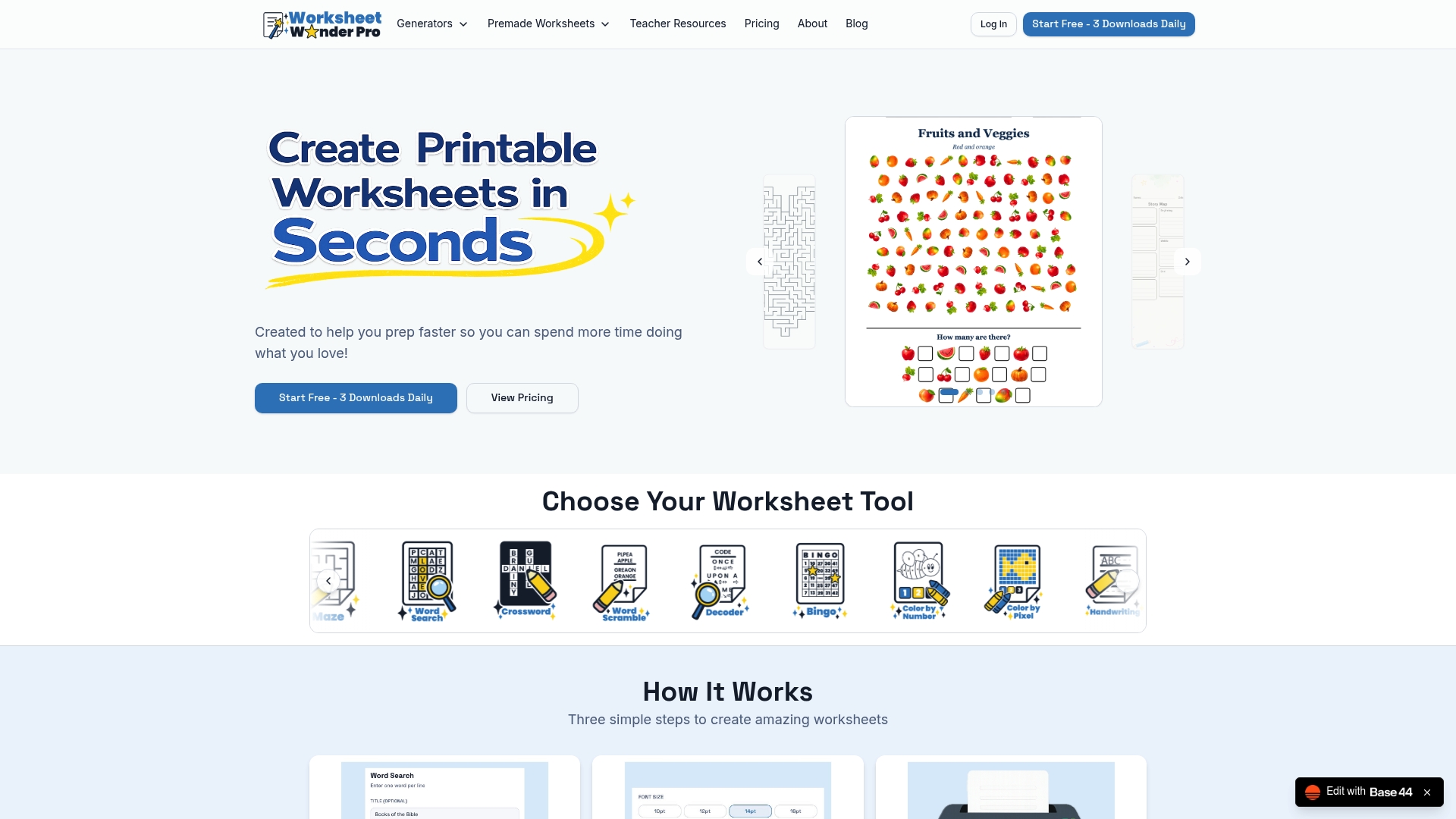
14 worksheet tools live inside a single editor with instant high-resolution exports for print or digital use. The platform also includes premade worksheets you can download immediately, which shortens prep time for busy teachers and program leaders.
Core Features
- 14 worksheet tools including word searches, crosswords, bingo, coloring pages, and story maps for K–12 activities.
- Premade worksheets across multiple categories that are ready for immediate download and classroom use.
- Customization controls for titles, fonts, colors, backgrounds, and borders so materials match your lesson theme.
- High-resolution PDF, PNG, JPG downloads suitable for classroom printing or sharing in a learning management system.
- Commercial licensing available on the Pro+ plan, allowing you to sell worksheets you create.
Key Differentiator
The product bundles a broad set of activity types into one workspace, so you do not switch tools when building mixed-format lessons. That unified approach is useful when you need crosswords, bingo cards, and coloring pages that share the same title, layout, and visual style.
Pros
-
Easy to use with no design skills required. The editor is drag and drop and keeps layout decisions minimal so you can produce materials in minutes.
-
Wide selection of worksheet formats reduces the need to assemble assets from different apps. Mix puzzle types and printable aids inside a single lesson packet.
-
Customizable templates let you tailor content for reading level, theme, or special needs. Adjust fonts and backgrounds to improve readability for young learners.
-
Affordable tiers including a free plan for light use. The Pro tier provides regular access, while Pro+ adds commercial rights for creators who sell worksheets.
Cons
- Free plan limits downloads to three per day, so frequent users or multiple-classroom teachers will likely need a paid plan for steady production.
Who It's For
Teachers, homeschool parents, tutors, Sunday School coordinators, and education content creators who want quick printable resources without spending hours on design. It fits small teams and individual educators who prioritize speed and ready-to-use layouts.
Unique Value Proposition
High-resolution exports plus premade assets turn layout work into a few clicks. For teachers who batch-prepare weekly packets or tutors who customize materials per student, that reduction in setup time directly frees up planning and feedback minutes.
Real World Use Case
A third grade teacher builds a themed packet for a unit on communities. She generates a crossword, two bingo cards for vocabulary review, and a coloring page, tweaks the fonts for readability, and exports a single PDF to hand out the next day.
Pricing
Free plan available with limited downloads. Pro is $10 per month or $100 per year. Pro+ is $25 per month or $250 per year and includes commercial licensing for selling your worksheets.
Website: https://worksheetwonderpro.com
Book Creator
At a Glance
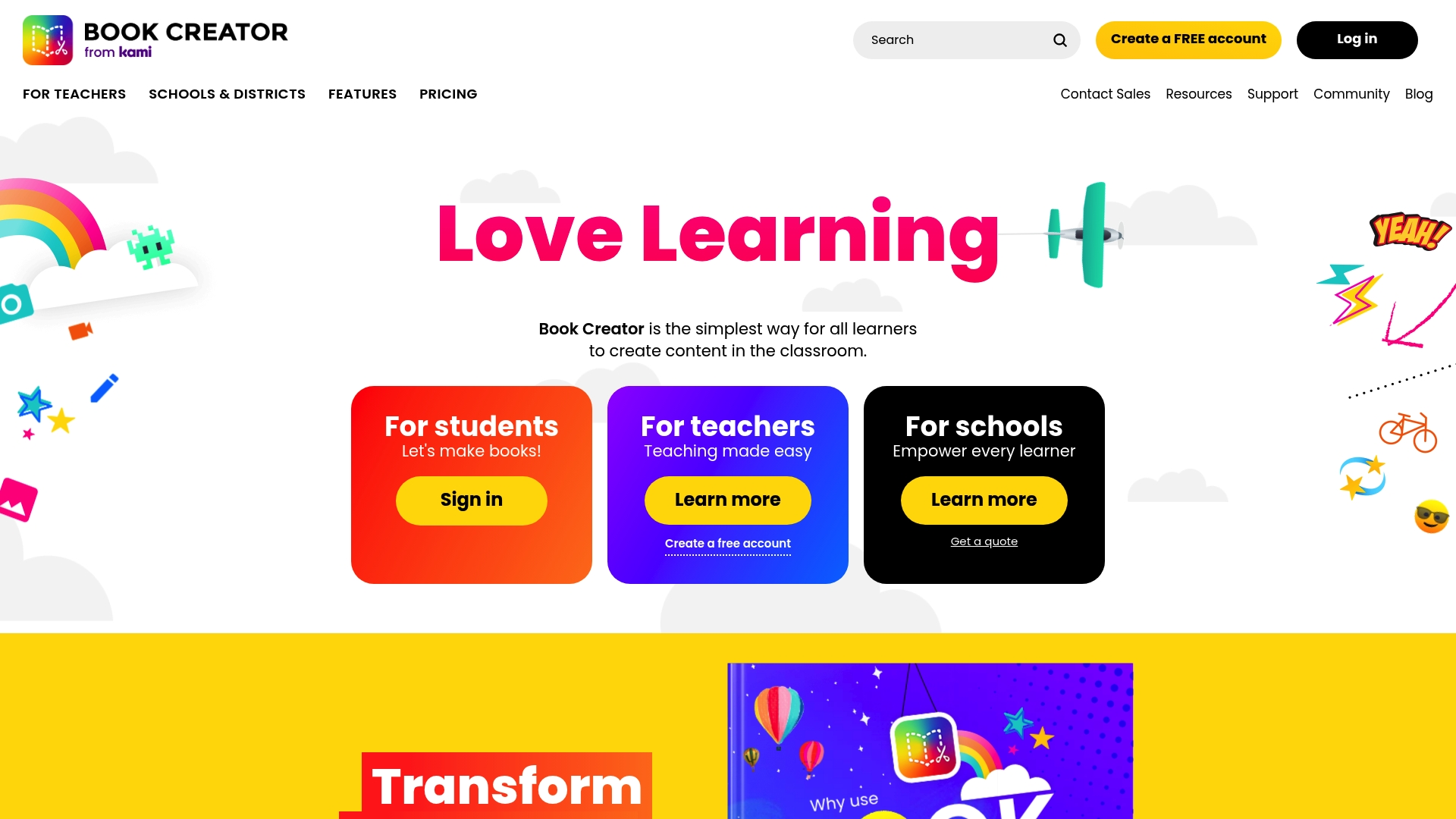
Book Creator was recently acquired by Kami, and it still offers a free starter tier plus paid plans for teachers and district licenses. The app emphasizes easy multimedia books and portfolios for K-12 classrooms, with templates to speed lesson-ready production.
Core Features
- Multimedia book creation supporting images, audio, and video so students build rich stories and evidence of learning.
- Support for 3D/AR models that let learners embed interactive objects into pages for science and art projects.
- Real-time collaboration and templates for group work, plus print and digital sharing to distribute work to parents and teachers.
Key Differentiator
Its strength is broad multimedia support combined with simple design tools. Teachers can add audio narration, video reflections, and 3D models in a single page, which helps students with varied learning needs present understanding in nontextual ways.
Pros
- Accessible across grade levels; the interface is simple enough for early elementary while still useful for older students during digital storytelling.
- The vendor states it holds partnerships with education organizations and certifications for accessibility and inclusion, which supports use in special education and diverse classrooms.
- Templates and themes reduce setup time for lessons and allow teachers to create consistent rubric-driven portfolios quickly.
- Built-in LMS links and SSO options cut down login friction for classes using single sign on and district accounts.
- Scales from one teacher to district deployment, so a pilot classroom can expand without swapping tools.
Cons
- Pages are small and can feel cramped for detailed diagrams or long form work, which frustrates project-based assignments that need large layouts.
- Several users report speech bubble controls and other page controls are fiddly, creating a learning curve for both teachers and students.
- The free tier limits library size, so schools running many projects will need a paid plan sooner than they expect.
When It May Not Fit
If your curriculum requires large canvas layouts for graphic design or detailed timelines, Book Creator’s page size feels restrictive. Districts with minimal budget for paid licenses will hit storage limits quickly. Also, teams expecting desktop-style page controls may find the interface awkward.
Notable Integrations
- Google Classroom for assigning and collecting student books.
- Microsoft Teams for rostering and sharing in school workflows.
- Clever and ClassLink for rostering and single sign on.
- Generic LMS connectors that let district systems tie into student accounts.
Who It's For
K-12 teachers, literacy coaches, and district technology leaders who want a low barrier way to build multimedia projects and student portfolios. It also fits parents coordinating blended learning and church education programs using classroom devices.
Real World Use Case
A district piloted Book Creator in third grade to teach narrative writing. Students recorded voiceovers and inserted photos of artwork. Teachers reviewed portfolios digitally and shared PDF exports with parents, which cut paper handling and made progress visible during parent conferences.
Pricing
Free tier for basic creation and a limited library. Paid subscriptions unlock expanded library sizes, district licensing, rostering features, and SSO options. Contact the vendor for district pricing and volume arrangements.
Website: https://bookcreator.com
QuestionWell
At a Glance
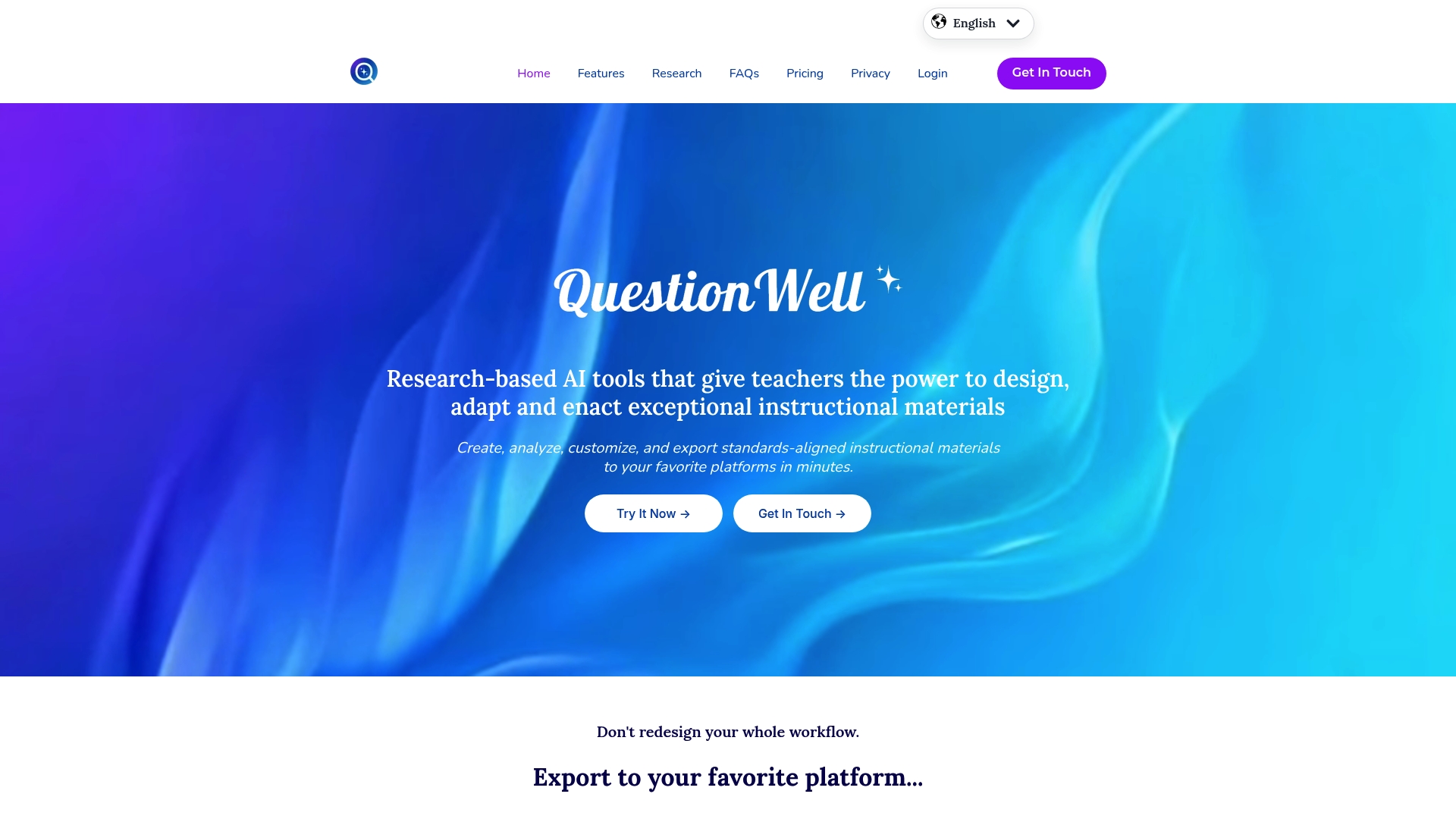
The vendor advertises export to over 22 platforms, including Canvas and Kahoot, making cross‑platform lesson delivery fast. QuestionWell pairs that export ability with research-oriented prompts so teachers can generate standards aligned questions and interactive videos in minutes.
Core Features
- Generate standards aligned questions, readings, vocabulary, and interactive videos for lessons and assessments.
- Annotate materials with research aligned lenses that flag cognitive level, rigor, and student engagement.
- Export content to multiple LMS and quiz platforms such as Google Forms, Quizlet, and the names above.
- Allow human refinement so teachers can personalize AI drafts to student needs and local standards.
- Create interactive videos that embed checks for understanding and assessment items.
Key Differentiator
QuestionWell centers on research informed support for teachers rather than simply automating item generation. The product emphasizes teacher agency so educators can control cognitive demand, alignment, and classroom fit while still saving time on drafting and exporting materials.
Pros
-
Research oriented design supports curricular decisions and offers lenses for cognitive level and rigor rather than opaque item pools. This helps teachers justify why an item targets a specific skill.
-
Strong export options speed delivery. Sending content into an LMS or quiz service removes a manual copy paste step when prepping for class.
-
The workflow encourages teacher refinement. AI outputs are presented as editable drafts that respect local terminology and student levels.
-
Built in professional development and ethical AI framing position QuestionWell as a staff development tool as much as a content generator.
Cons
-
Public user reviews are scarce which makes it hard to judge classroom reliability and long term teacher adoption.
-
Some product and pricing pages return 404 errors, which suggests the site has technical or content gaps that could complicate procurement or evaluation.
-
Full functionality requires internet access and working integrations, so offline lesson prep workflows are limited.
When It May Not Fit
If your district requires mature vendor review data or extensive third party case studies before procurement, QuestionWell may not meet that need because independent reviews are limited. Also avoid it if you need fully offline authoring or if broken site pages prevent trial access.
Who It's For
K-12 teachers and instructional designers who want research informed prompts and quick exports into existing classroom tools. It fits educators who value shaping AI output through human input and who run lessons inside an LMS or common quiz platform.
Real World Use Case
A middle school teacher drafts a quiz in QuestionWell, reviews AI suggested items for alignment to standards, edits language for a specific class, then exports the finished quiz to Canvas. The same teacher builds an interactive video with embedded checks for understanding for a flipped lesson.
Pricing
QuestionWell lists product information as informational only and does not provide public pricing in the materials available. The site currently has some broken pages so direct pricing or subscription details may require contact with the vendor or a demo request.
Website: https://questionwell.ai
Worksheet Crafter
At a Glance
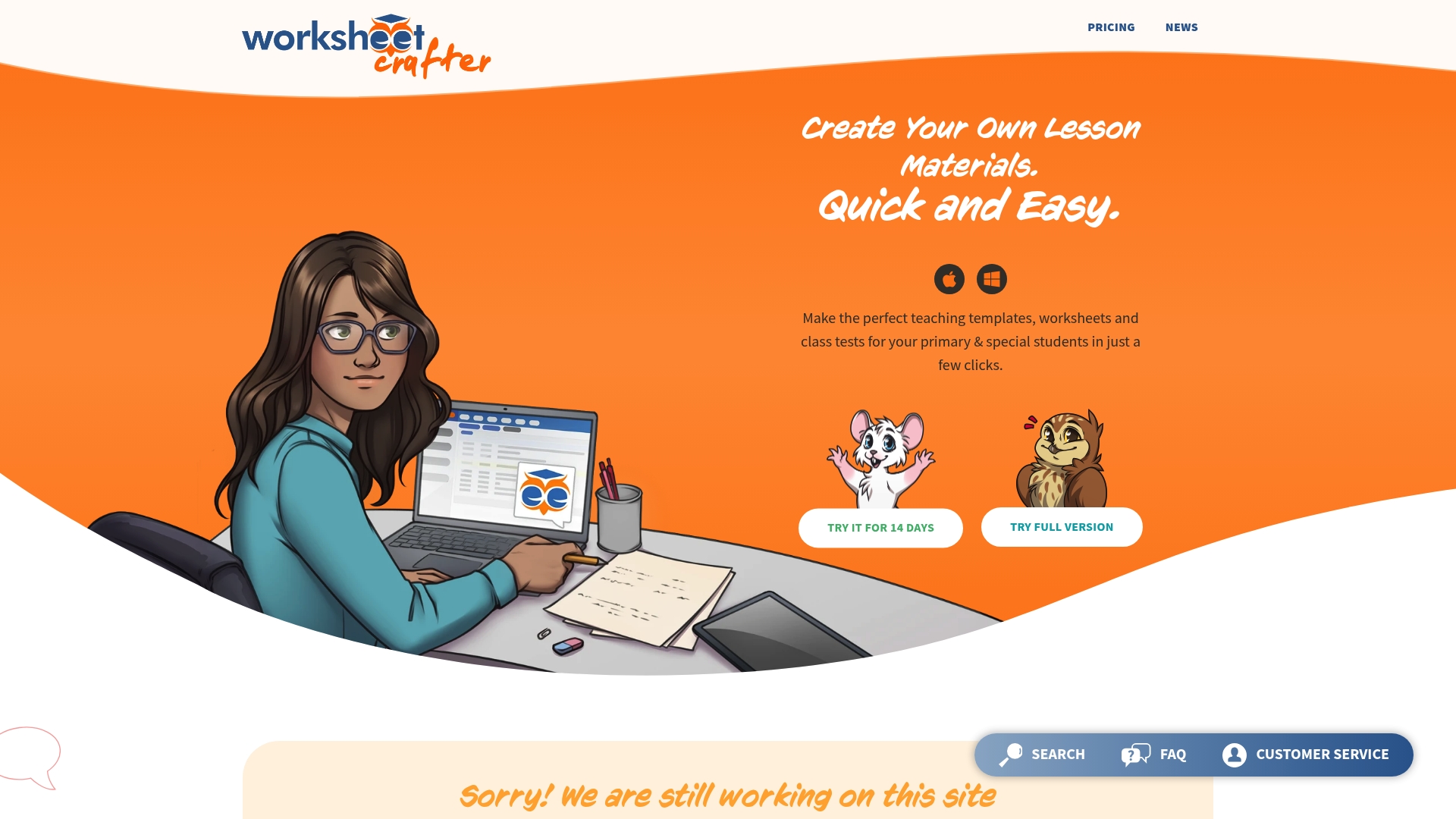
Licenses start at €59.90 annually for individual teachers, with a 15-seat school package listed at €374.00 per year. The app pairs an MS Office style interface with an online marketplace and interactive worksheet support, making rapid, printable lesson prep possible.
Core Features
The tool offers a visual editor that mimics familiar office apps so teachers get started quickly.
- Drag and drop worksheet creation with handwriting style fonts and layout controls.
- Large library of royalty free illustrations and sounds to add visual or audio cues.
- Template sets for common lesson types plus an online marketplace for extra content.
- Support for interactive delivery via Worksheet Go! and a Workbook Wizard for printed materials.
Key Differentiator
Worksheet Crafter trades complexity for speed by combining an MS Office style interface with a content marketplace. That combination lets a teacher assemble differentiated worksheets in minutes rather than building layouts from scratch or hunting for clip art across sites.
Pros
- Intuitive interface reduces onboarding time for teachers who already use word processors. Most users report moving from blank page to finished worksheet in under 20 minutes.
- Templates and fonts aimed at handwriting practice save manual formatting when you need paper that matches classroom routines.
- The marketplace extends the base app so you can buy targeted packs for Math, Language, or special education without rebuilding assets.
- Flexible school licensing and a customer portal simplify bulk purchases and license management for administrators.
- Responsive helpdesk and customer service, which is useful when importing assets or troubleshooting a layout.
Cons
- Users report occasional slow performance or glitches on the site, which can interrupt a planning session and risk lost work.
- Platform errors have led to unsaved changes for some teachers, so frequent manual saves are prudent during longer edits.
- Some error messages require technical troubleshooting or support intervention rather than a clear self-fix.
When It May Not Fit
If your school needs rock solid real time collaboration on a shared document, this tool is more single author focused and can feel fragile under heavy simultaneous edits. Also, if you require built in time tracking or complex LMS integration, Worksheet Crafter does not provide those features out of the box.
Notable Integrations
Worksheet Crafter supports Worksheet Go! for interactive worksheet delivery and in-browser interaction. That integration lets teachers publish activities students can complete on tablets without rebuilding content in a separate editor.
Who It's For
Primary school teachers, special education instructors, and school administrators who prepare many printable or interactive worksheets and value a short learning curve. Ideal when a single teacher or small team owns lesson design and needs quick, polished output.
Real World Use Case
A primary teacher creates tiered Math and German worksheets for three ability groups. Using templates and the illustration library she produces differentiated sets in one planning session and publishes interactive versions to Worksheet Go! for at-home practice.
Pricing
Individual teacher plans start at €59.90 annually. School licensing begins at €374.00 annually for 15 seats, with steeper discounts available for larger bundles. Pricing reflects a yearly license model rather than monthly subscriptions.
Website: https://worksheetcrafter.com
Puzzle Maker Pro
At a Glance
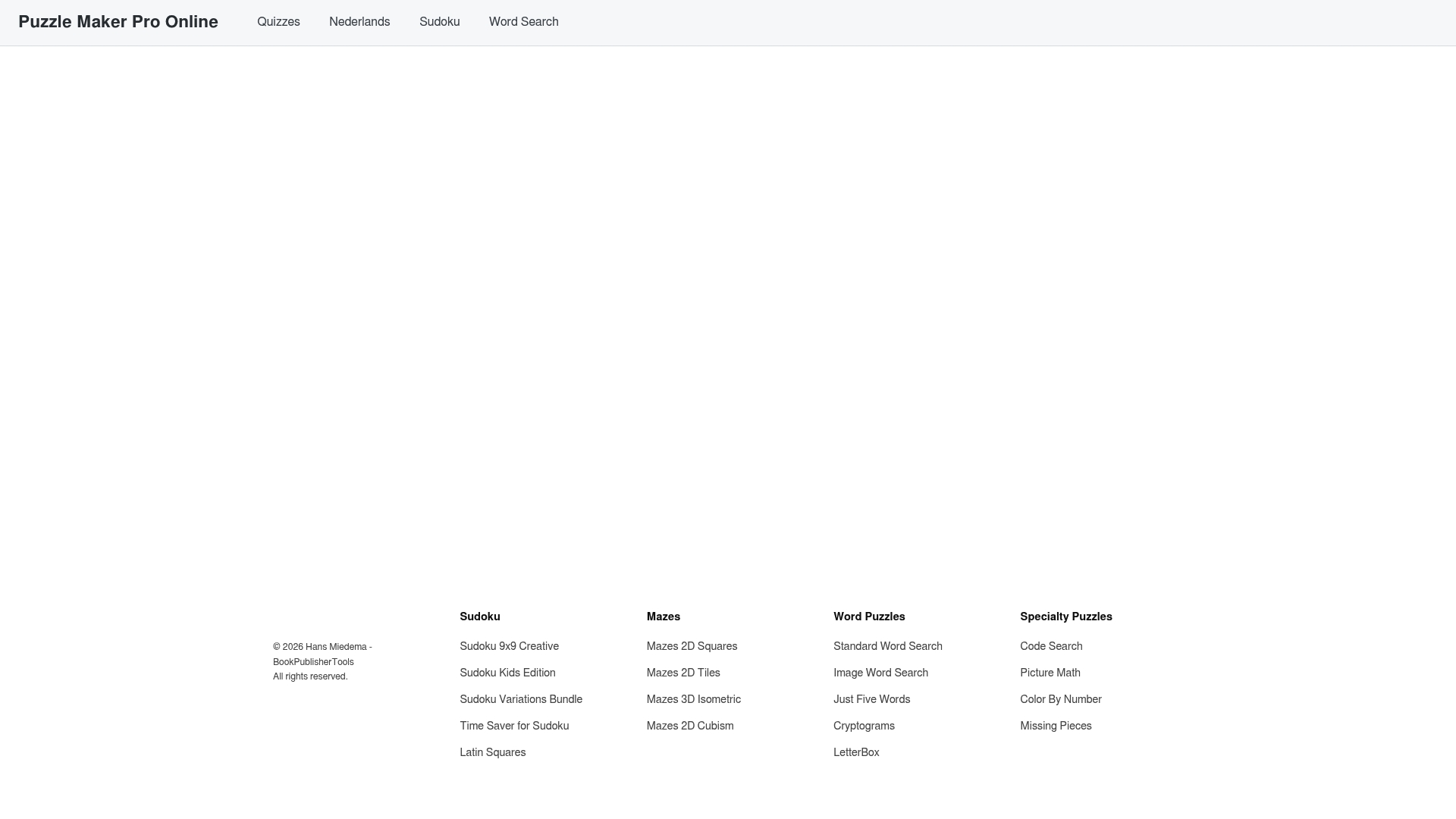
No public pricing or third-party reviews are available for Puzzle Maker Pro, which leaves buyers without clear signals on cost or support. The platform does advertise a broad palette of puzzle types, from basic logic grids to picture math and code searches, aimed at educators and publishers.
Core Features
- Sudoku, word searches, cryptograms and standard mazes are all listed among the puzzle options.
- Multiple puzzle variations and themed bundles are available for different audiences and print formats.
- An online editor lets you create and export puzzles directly from the browser for classroom worksheets or printable pages.
Key Differentiator
The single-platform variety is Puzzle Maker Pro’s main angle: you can switch between crossword, number, and novelty puzzle formats without hopping between sites or tools. That breadth suits creators who need many puzzle styles in one workflow rather than deep, enterprise-grade publishing features.
Pros
- Variety in one place reduces the time spent hunting separate generators when you need crosswords and Sudoku for the same worksheet.
- Downloadable bundles make it straightforward to assemble a themed packet for a weekly classroom handout or an activity table.
- Online access means teachers and volunteers can build puzzles on Chromebooks or home laptops without installing software.
- The product appears geared toward printable output, which fits publishers who still deliver PDFs to layout teams.
Cons
- Public documentation is sparse, so you cannot verify export formats, licencing terms, or quality controls from the site alone.
- No third-party reviews or user feedback are available to confirm reliability, usability, or classroom suitability.
- Pricing, support options, and customization capabilities are not listed, making vendor selection risky for budgets and procurement.
When It May Not Fit
If your school district requires volume licensing, invoices, or a vendor with clear procurement terms, this product’s lack of published pricing will slow approval. If you need integrations such as single sign-on, API access, or batch export workflows for a publishing pipeline, Puzzle Maker Pro may not meet those technical needs.
Who It's For
Teachers, homeschool parents, church activity coordinators, and small puzzle publishers who want quick access to many puzzle types for printable resources. Ideal when you need variety and browser-based creation rather than enterprise controls.
Real World Use Case
A small newspaper publisher assembles a daily puzzle page by selecting crosswords and Sudoku from the site, grouping them into a downloadable bundle, and sending PDFs to the layout team. That workflow saves the publisher from using multiple specialty generators for each puzzle type.
Pricing
No public pricing information was found. Prospective buyers should contact Puzzle Maker Pro directly to request licensing, education discounts, or volume pricing details before committing to a curriculum or publishing schedule.
Website: https://puzzlemakerpro.com
Comparing Worksheet Creation Platforms
Worksheet creation platforms vary significantly in terms of functionality, target audience, and user experience. Let’s analyze how Worksheet Wonder Pro compares to its competitors to help educators select the solution for their specific needs.
Breadth of Features
One of the key advantages of Worksheet Wonder Pro is its set of 14 worksheet tools and customization options that are integrated within a single platform. This makes it convenient for educators who require various tools to create tailored lesson packets. In contrast, Puzzle Maker Pro provides a narrower scope of tools focused on puzzles but lacks public feedback or transparency on pricing, which might deter some users. Meanwhile, Worksheet Crafter strikes a balance by offering convenient template-based creation methods targeted towards K-12 educators, though limited collaboration features could be a drawback for teams.
Specialization and Accessibility
Book Creator stands out in multimedia interactivity, giving educators the capability to create engaging lesson items incorporating video and audio. However, its relative complexity and limited page size make it less suitable for printable-focused designs in educational settings. Alternatively, QuestionWell combines AI-driven content generation with LMS compatibility, but incomplete product details might present an obstacle for adoption.
Best Fit Scenarios
- Worksheet Wonder Pro: Best for individual educators needing instant tools to create diverse, high-resolution worksheets for various activities and routines.
- Book Creator: A strong choice for schools emphasizing student portfolios or multimedia projects within storytelling-based curriculums.
- Worksheet Crafter: Effective for primary educators and administrators seeking fast, intuitive worksheet assembly with a illustration library.
- QuestionWell: Suitable for school systems prioritizing standardized content creation with integration into digital teaching infrastructures.
Our Pick
For educators seeking an all-encompassing tool for creating diverse, customizable worksheets and lesson aids economically and efficiently, Worksheet Wonder Pro offers an exceptional solution. While Book Creator and QuestionWell cater to specific niches like multimedia integration and standards alignment, their focus may not serve general or mixed-format use cases as effectively. For educators needing resources beyond the scope of worksheet creation, QuestionWell might meet additional needs.
Worksheet Creation Software Comparison
When selecting a worksheet creation platform, consider the breadth of tools, ease of use, and export formats to streamline your lesson planning process.
| Product | Key Features | Best For | Pricing | Notable Limitation |
|---|---|---|---|---|
| WorksheetWonderPro | 14 tool formats, customizable templates | K–12 teachers and tutors | Free, Pro $10/month, Pro+ $25/month | Free plan limits users to 3 downloads/day |
| Book Creator | Multimedia book creation with AR support | K–12 schools, multimedia storytelling | Free tier, Contact for pricing | Page size limits content format flexibility |
| QuestionWell | AI-generated standard-aligned material | LMS-based lesson integration | Not disclosed | Missing public user reviews and reliability data |
| Worksheet Crafter | Drag-and-drop editor with royalty-free assets | Primary educators, customizable worksheets | €59.90/year Individual Plan | Performance issues and occasional glitches |
| Puzzle Maker Pro | Variety of worksheet-specific puzzles | Teachers and publishers creating puzzles | Not disclosed | Sparse documentation and no pricing transparency |
Discover an Effective Puzzlebook.co Alternative for Busy Educators
Managing multiple content formats in one place can feel overwhelming when searching for puzzlebook.co alternatives. Teachers, homeschool parents, and ministry leaders often need a single tool that combines variety with simplicity to create engaging worksheets quickly without switching platforms. Worksheetwonderpro answers this need by offering 14 diverse worksheet tools including word searches, crosswords, and bingo cards all inside a single editor designed for fast, high-quality output.
Create worksheets that match your lesson themes with customizable fonts and layouts. Export high-resolution PDFs ready for print or digital sharing.
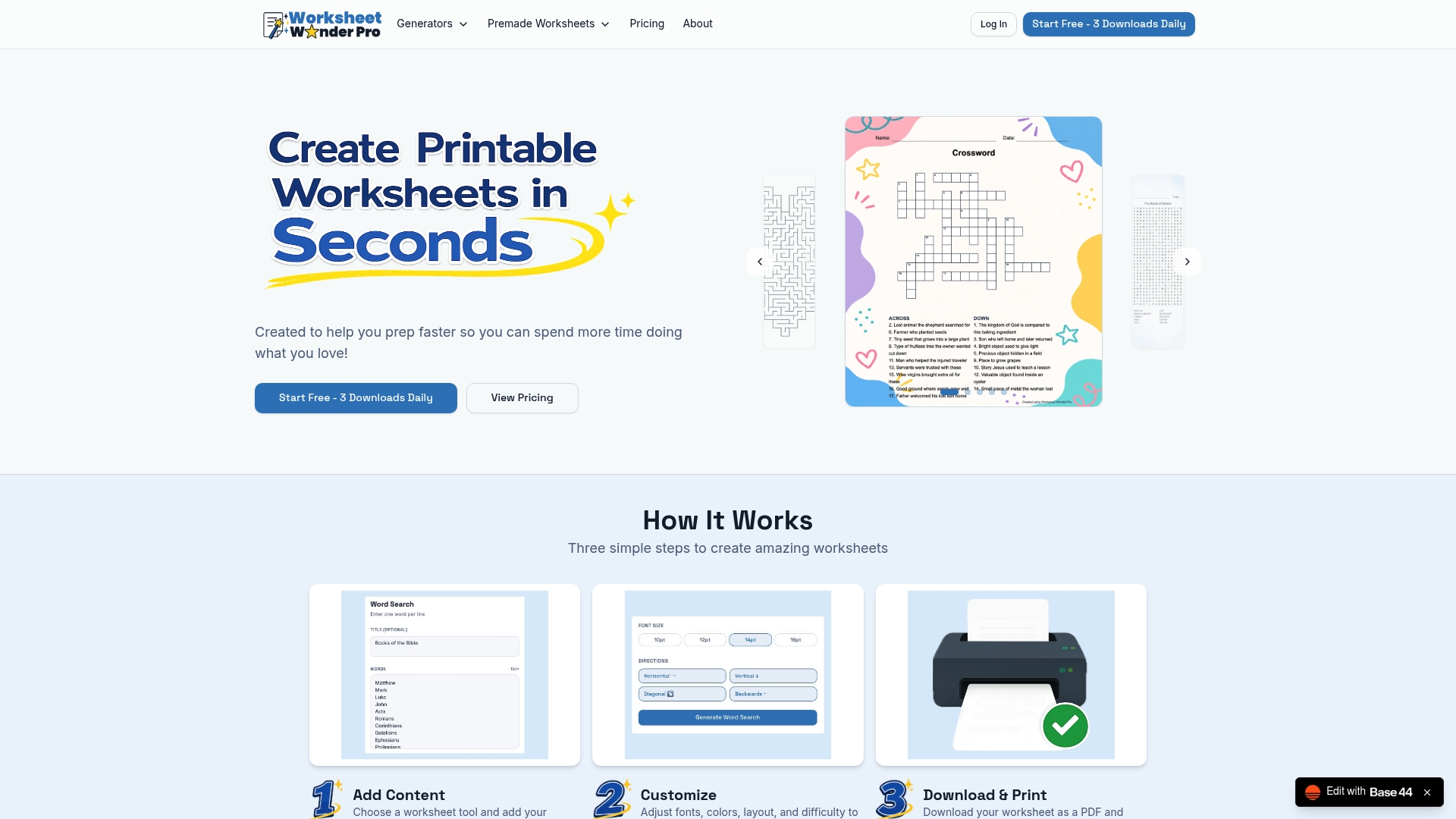
Take control of your lesson planning today by visiting Worksheetwonderpro. Download premade worksheets or customize your own to prepare classroom-ready packets in minutes with no design experience required.
Frequently Asked Questions
What features make Worksheetwonderpro ideal for quickly creating worksheets?
Worksheetwonderpro allows users to access 14 different worksheet tools, including bingo, crossword puzzles, and coloring pages, all within a single editor for efficient lesson preparation. This versatility reduces the time teachers spend switching between different platforms to assemble mixed-format lesson plans. For busy educators, this means they can produce high-quality materials quickly, making classes more engaging and effective.
How does Worksheetwonderpro compare to Book Creator for classroom projects?
Book Creator focuses on multimedia book creation, providing templates and tools to support images, audio, and even 3D models. In contrast, Worksheetwonderpro excels at generating diverse worksheet types such as games and activities targeting K–12 students, making it particularly suitable for educators who need quick, print-ready resources. If your priority is straightforward worksheet preparation rather than multimedia content, Worksheetwonderpro is the better choice.
Can I customize worksheets in Worksheetwonderpro for different learning needs?
Yes, Worksheetwonderpro offers customization controls that allow you to adjust titles, fonts, colors, backgrounds, and borders, enabling you to tailor worksheets for varying reading levels and themes. This feature specifically enhances readability and accessibility for young or special needs learners, making your educational materials more effective. You can easily modify standard templates to fit the unique needs of your students.
What is the pricing model for Worksheetwonderpro?
Worksheetwonderpro offers a free plan that limits downloads to three per day, with the Pro version priced at $10 per month or $100 annually, providing access to more features for regular users. Additionally, the Pro+ plan, available for $25 per month or $250 annually, includes commercial licensing for those looking to sell the worksheets they create. This tiered approach gives teachers flexibility based on their usage needs.
Is there a concern about the download limits in the free plan?
For frequent users, the three-download limit per day on the free plan could be restrictive, making it likely that regular users will want to transition to a paid subscription for uninterrupted access and production. Consider the Pro or Pro+ plans if you plan to create and download worksheets regularly to ensure that your workflow remains smooth.